

Instant Access Dialer.B – malware that can drop a Trojan on your system
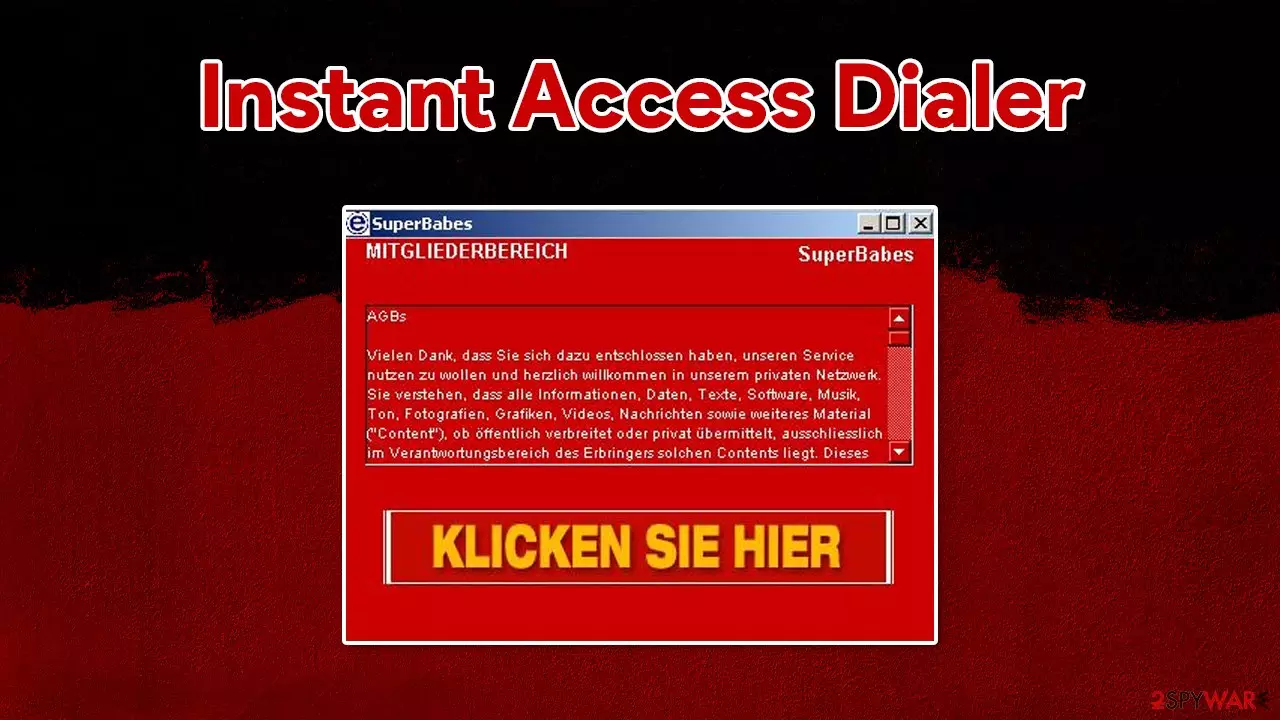
Instant Access Dialer.B is a variant of Instant Access Dialer that gives a user access to premium services of a third-party Web site, by dialing a high-cost number using a modem. It has been reported to install MagicControl trojan horse.
This malicious program is designed to change the settings of a dial-up connection. By doing so, the virus is able to automatically connect to a website that uses premium dial-up costs, consequently resulting in serious financial losses for the victim.
If you are using a dialup connection for your internet, this malware is a dangerous threat for you, and you should take precautionary measures to avoid it in the future. If you are already infected, check the information in this article in order to restore your normal settings and remove the Instant Access Dialer virus for good.
| Name | Instant Access Dialer.B |
| Type | Malware, dialer |
| Distribution | Delivered via already installed Trojans or spread via spam emails |
| Risks | Financial losses due to a connection to premium services that the virus makes in the background |
| Removal | Perform a full system scan with anti-malware software or check the manual removal guide below |
| System fix | Employ FortectIntego to fix Windows system file damage done by malware automatically |
Dialup connection is a relatively outdated way to connect to the internet – it was prevalent during the early days of the internet up to the late 90s. It uses a phone line instead of a dedicated cable. However, there are parts of the world where users still rely on dialup as the only method to connect to the world wide web.
The dialer malware typically gains access to users' computers via an already installed Trojan on the system. This way, cybercriminals can install it without victims even knowing about it. Alternatively, malicious emails can be used to distribute Instant Access Dialer to as many users as possible.
Once installed, malware would change Windows settings, drop hundreds of malicious files and run processes in the background, and creates a “SuperBabes” shortcut on a desktop – all while staying practically invisible to those operating the computer.
Besides calling the premium services automatically behind users' back, the virus can also deliver another Trojan on the system, especially when there is nothing on a Windows machine to stop it (security software. This way, a device could get infected with multiple threats, compromising it even further.
Consequently, the infected users can suffer from severe consequences, including:
- monetary losses
- personal or sensitive information leak
- installation of other malware
- data loss
- identity theft, etc.
Thus, it is vital to get rid of all malware on a computer used to connect to the internet. For that, you should use anti-malware software such as SpyHunterCombo Cleaner and then fix all the virus damage with an automatic repair tool FortectIntego for best results.
Use these tips to avoid being infected with malware
First of all, it is important to mention that nothing can protect you from all malware fully. However, you need to do everything to reduce that possibility to almost zero – and that is definitely achievable with good internet browsing practices and adequate security software. The latter is extremely important, is it can stop automatic malware installation and malicious script execution upon a website entry.
You should never install pirated software or open suspicious emails while being online. Also, when installing new software, make sure that you always pick Advanced/Custom settings and then remove all the ticks next to various offered programs. Finally, use strong passwords for all your accounts and never reuse them.
Choose automatic Instant Access Dialer.B removal
While you can try to eliminate the virus manually, it is highly not recommended. If you still want to try, here are some files you should be looking for on your system (below you will also find instructions on how to access Safe Mode):
\nsinet.exe
%WinDir%\dialexe.zl
%WinDir%\dialexe.epk
%WinDir%\dialerexe.ini
%ProgramFiles\instant access
If Instant Access Dialer.B provides an uninstaller, do not use it, as it could result in more malware infections. Instead, perform a full system scan with powerful anti-malware software, such as SpyHunterCombo Cleaner or MalwarebytesMalwarebytes – it should be able to find and delete all the malicious entries on the system automatically.
Did this guide help?
Be the first to comment