

MyPC HealthCheck – a fake system optimizer you should stay away from
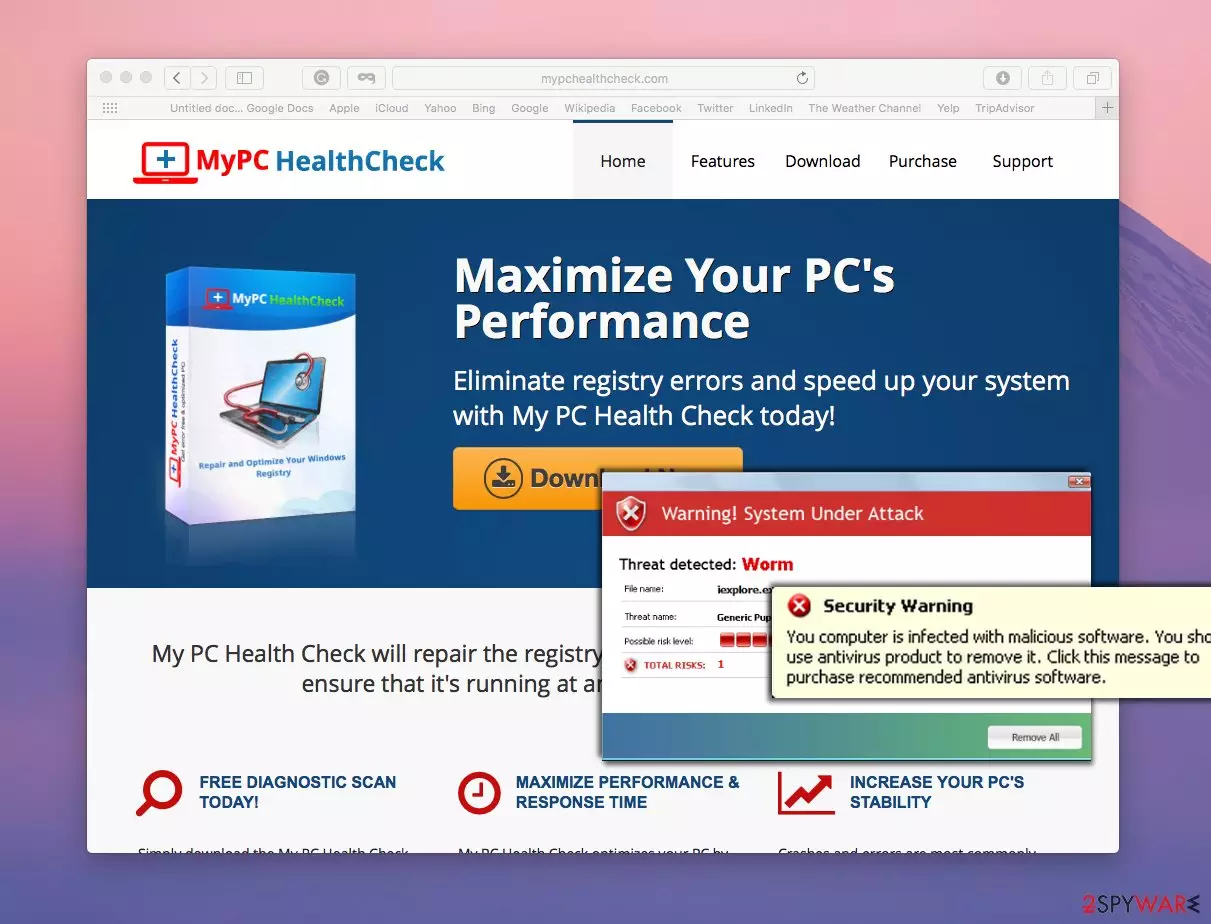
MyPC HealthCheck virus is a term that some computer users use to call this program. In reality, this program is not a virus itself. It is believed that it is a rogue PC optimizer that can hardly help to improve your PC’s performance. However, it seems that developers of this PC optimizer think differently.
According to them, this piece of software is a useful tool that can eliminate registry errors and speed up your system. Sadly, it appears that it is just a program that seeks to talk computer users into purchasing a full version of the app. To achieve this goal, this fake optimizer uses various intimidation techniques.
| Name | MyPC HealthCheck |
| Type | Potentially unwanted program |
| Distribution | Third-party websites, software bundles |
| Operation | Performs a full system scan and then finds hundreds of entries of alleged items that “slow down your PC” and then asks people to pay for its full version. The information is inaccurate as the found entries are usually harmless and do not impact computer performance in any way |
| Elimination | Follow the instructions we provide below this article |
| System fix | If a PUP deletes important registry entries, some apps or the OS may start o malfunction. If you notice crashes, errors, or encounter other stability issues, use FortectIntego to fix them |
This program easily falsifies an image of an infected computer. It slows the computer system down, it starts sending intrusive alerts and pop-up messages, runs dummy system scans, and then reports about non-existent problems.
This all play is created to make computer users believe that the PC needs to be optimized. It is highly advisable not to rely on messages provided by this app because they cannot provide any genuine information about your computer system.
Therefore, we advise you to keep your money for yourself or use it to obtain better PC optimization or security software. The indicated PC optimizer is admitted to be a potentially unwanted program, and such a piece of software should not reside on your computer system.
To remove MyPC HealthCheck, follow the instructions at the end of this post or just run a system scan with a reliable and genuine malware removal tool. If you want to delete spyware and malware threats, but you also want to optimize your computer, then we strongly recommend installing FortectIntego software.
PUP distribution methods
The official website of the PUP offers a free download link to get a trial version of this vague system tool. However, it seems that in the majority of cases, this potentially unwanted application finds other ways to infiltrate into victim’s computers.
Sometimes computer users do not install programs knowingly, and this can happen if they download a software package, other known as a software bundle. A software bundle consists of one main program (the one that the victim actually wants to install) and some “recommended” additions, which are bundled with it.
These additions are hidden, and the only way to find out about their existence is to expand Advanced or Custom settings during the installation of the main program that the victim originally wants to install. These settings provide a list of bonus applications, which can be rejected just by removing marks from checkboxes next to them.
MyPC HealthCheck removal instructions
If it is too late and you were nicely forced to install this rogue PC optimizer, do not panic. You can undo the installation rather quickly. You just need to fetch all components of this system tool and eliminate them.
This program is bothersome and unlikely useful, but it does not deserve to be awarded the title of MyPC HealthCheck virus. Below, you can find an easy-to-follow removal guide, which can help you delete this program with your own hands.
In case this does not sound like the best uninstall option, opt for the automatic removal method. For that, you will need to install spyware/malware detection software and scan your computer system with it. After that, just look through the list of detected infections and choose which ones you want to eliminate.
Uninstall from Windows
Uninstall from Windows 10/8:
- Type Control Panel into the Windows search box and open the result.
- Under Programs, select Uninstall a program.


Uninstall from Windows 7/XP:
- Click on Windows Start > Control Panel (Windows XP users should click on Add/Remove Programs).
- In Control Panel, select Programs > Uninstall a program.


Remove the unwanted program:
- In the Programs and Features window, look for any recently installed suspicious entries, select them, and click Uninstall.
- If User Account Control appears, click Yes to confirm, then complete the removal.


Did this guide help?
2 comments
Loran
Dont waste your time with mypc healthcheck. it is a fake program!
Jordan00
I have no idea who installed MyPC HealthCheck on my PC. I cant remember installing it alongside other programs as well..