

How should you confront Buketeg.xyz referral spam?
If you have recently launched a new website and got stunned by an enormous web traffic, Buketeg.xyz referral spam might be the case of such phenomenon. Referral scam operates as a technique of spamming aimed at web owners [1]. Specifically, fraudsters meddle with Google Analytics and replace the referrer, the link relating to other web sites via HTTP header, with the fraudulent one. In short, the goal of such deception is to convince web owners to visit a specific web page. Such activity creates the impression as if your web pages has been visited by hundreds of unique netizens while. In reality, it is just a well-designed scam. Due to such spamdexing technology, the authors promote their domains and thus receive profit. Besides Buketeg.xyz Google Analytics referral scam being a highly irritating phenomenon [2], there are other more severe possible outcomes. Taking into account the recent boost in ransomware activity, there are chances that crooks may join forces with file-encrypting malware developers for multiplying their earnings. JapanLocker is one example of such scenario [3]. Thus, the only possible solution to seize the activity of this referral scam is to filter Buketeg.xyz.
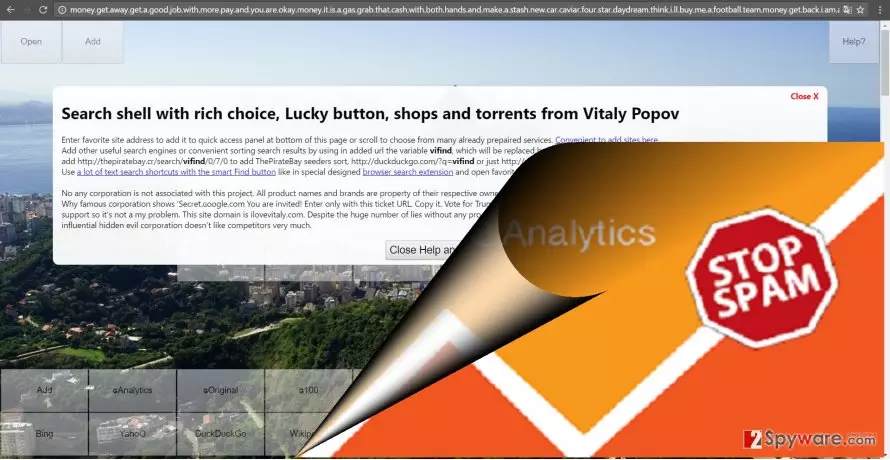
The truth behind the referral scam
If you have not encountered such marketing scheme before, you might wonder what is the goal and benefit using such scam. Ordinary hijack and web overlapping seems a much better solution which brings immediate results. However, since the latter technique has more visible results, it has bigger risks as well. Referral spam prefers operating in the background. Thus, it shifts away from virus researchers‘ attention to retain its “longevity.” Inexperienced web administrators, who have just launched their first website, might not realize the cause of such forged increased traffic from the particular Buketeg.xyz website immediately. Note that there might be hundreds of such newbies as you falling for the bait [4]. In short, hundreds and thousands of web page admins track the referring link and enter the name of promoted website in their search engines only to find out the truth that they have been deceived. As you may know, the more traffic your website receives, the more money you get.
Blocking Buketeg.xyz referral scam
The question how Buketeg.xyz referral spam was able to access your Google Analytics is of interest as well. Gearheads succeed in hijacking the web page Analytics because few owners keep the site log files in a private area. Since they are public to anyone, every sort of racketeers may meddle with your website traffic and deprive you of improving the web page. Luckily, it is not difficult to terminate such felony [5]. Block Buketeg.xyz referral spam by performing the following steps.
Step 1.
- Go to Admin -> All Filters.
- Then navigate to New Filter and type in Buketeg.xyz in the Filter Name box.
- Select Custom Filter Type, then choose Campaign Source from the drop-down Filter Field menu.
- Eventually, in the Filter Pattern field, enter Buketeg.xyz and hit Save.
Step 2.
- Log into cPanel account, navigate to File Manager section, and click on the checkbox called Document Root for -> your website.
- Click on Show Hidden Files and hit Go. Once you find the .htacess file, right-click on it and select Code Edit. Enter the following text ant click Save Changes.
## SITE REFERRER BANNING
RewriteCond %{HTTP_REFERER} Buketeg.xyz [NC,OR]
RewriteCond %{HTTP_REFERER} Buketeg.xyz
RewriteRule .* – [F]
Step 3.
- In your Analytics account, go to Admin Tab.
- Click VIEW, select Filters and then hit +Add Filter.
- In the Filter Name box, type: Language Spam.
- In the Filter Pattern box, type in: \s[^\s]*\s|.{15,}|\.|,
- Click on Verify this Filter, then Save.
Did this guide help?
2 comments
elricsson
Imagination is the best source for inspiration. What would they come up with next?
Will7power
Its the second time in a month! Its too clingy.