

How dangerous is Padlock ransomware?
Padlock ransomware is not a typical file-encrypting and ransom-demanding virus. It is a screenlocker that seeks to mislead people into thinking that their files are lost for good and that their computer is damaged. Fortunately, this virus seeks to look more dangerous than it is actually is. In reality, it relies on a Trojan horse[1] which does not delete your files, but locks them with a help of a simple screen lock functionality. Typically, it disables the keyboard shortcuts, Windows tools and similar features. Once it finishes that, Padlock screenlocker shows a message with a padlock picture claiming “YOUR FILES HAVE BEEN DELETED & YOUR PC HAS BEEN LOCKED!!!” However, when infected with this virus, you can be sure that your files are safe. The only thing you need to do is to unlock your computer with the special code and remove PadLock virus with all its files. At the moment, the code that you need to enter to get rid of this ransomware is ajVr/G\RJz0R. However, if this code does not work, try to reboot your computer to Safe Mode with networking or System Restore first. Besides, you can also disable padlock.exe process in your Task Manager. Once you disable the virus, don’t forget to remove malicious files from the system to prevent additional problems on your machine. For that, use FortectIntego.
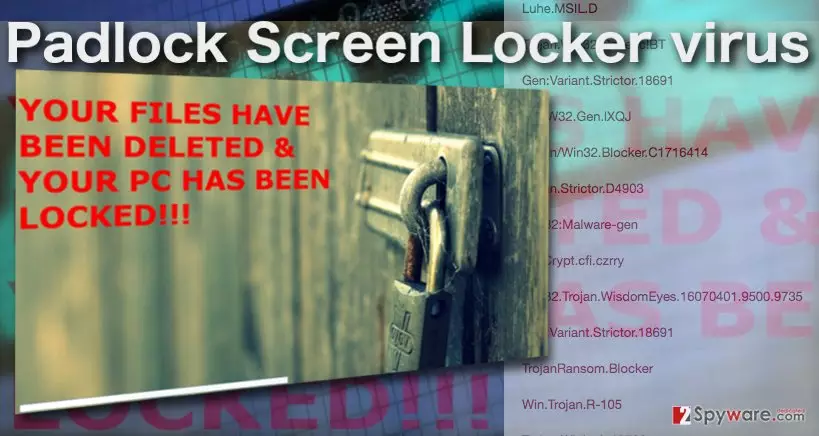
PadLock Screenlocker seems to be identical to Cryptoblock, MagicMinecraft Screenlocker, and other screenlockers that try to pretend to be ransomware-type viruses. In reality, they don’t use encryption[2] and similar techniques on victims’ computers. Besides, they do not change extensions of your files and drop the ransom note on your computer’s screen informing you about the needed ransom and the time that you have to pay it. They only rely on social engineering tactics used to scare PC users and extort their money.[3] So, PadLock is just another example showing that you should never follow the commands of cyber criminals and pay them your money. If you are dealing with a real ransomware virus, you should know that making the payment to cyber criminals does not guarantee that you will get your files back to you.[4] You should always take care of ransomware removal first and then look for decrypters presented by computer experts. In this case, use a code given above to recover the connection to your computer and initiate PadLock virus removal on your computer without wasting your time.
How can I get infected?
You can get infected with PadLock screenlocker thru infected software packages. Typically, such infected downloads can be found on illegal websites, such as sites filled with adult content, torrent sites and similar domains. Also, you can get infected after falling for fake updates of Google Chrome, Internet Explorer, Mozilla Firefox and other web browsers. Keep in mind that such updates should be downloaded only from official websites that are related to your web browser. Scammers have been actively pushing fake updates as chrome-update.bat and similar files filed with malware,[1] such as ransomware, browser hijackers and similar PUPs.[5] Finally, make sure you avoid spam. No matter how tempting such emails look, they can easily be used for infecting your system. Once you receive an email from the person that you don’t know, check the sender, the message body and similar things that could reveal that you are dealing with scammers.
How can I remove PadLock virus from the system?
If infected with PadLock ransomware, you should stop thinking that you won’t get your files back to you. In reality, this virus is just a simple screenlocker that seeks to scare you into thinking that you need to pay a ransom. In reality, you just need to enter a special code found by security experts and remove PadLock screenlocker from your computer. Otherwise, you can run into following problems, such as the appearance of other viruses, the loss of additional files, etc. Fortunately, this malware does not modify your files extensions, so virus removal should make them available again. The code that you need to enter to start PadLock removal is ajVr/G\RJz0R. If the code does not work, you should try rebooting your computer to Safe Mode with Networking and entering this code again. Another way to get rid of this ransomware is to launch Task Manager and disable padlock.exe process running there. To reboot your computer into Safe Mode and complete Padlock virus removal, follow the steps below.
Did this guide help?
Be the first to comment