

What should you know about N-SpLiTTer virus?
The developers of HiddenTear ransomware[1] inspired another team of hackers to create a new ransomware – N-SpLiTTer virus. Based on this open source ransomware project, malware encrypts targeted files and demands a particular amount of money for the decryption[2]. Malware has been created to attack the most popular file types, such as image, audio and video formats, databases, as well as Microsoft Office documents. Targeting widely used file types allows causing more damage for the computer users and encourage them to pay the ransom. N-SpLiTTer ransomware spreads via Ru.exe file and not only targets home computer users but businesses as well. Victims who do not have data backups are forced to solve the dilemma – to pay the ransom or not?[3] We do not recommend transferring demanded amount of money because there are no guarantees that it will help to rescue your files. It’s better to remove N-SpLiTTer and start from the scratch. Ransomware-type viruses are created for swindling the money and decryption is only the matter of hacker’s conscience. Honestly, you should not rely on cyber criminals’ words.
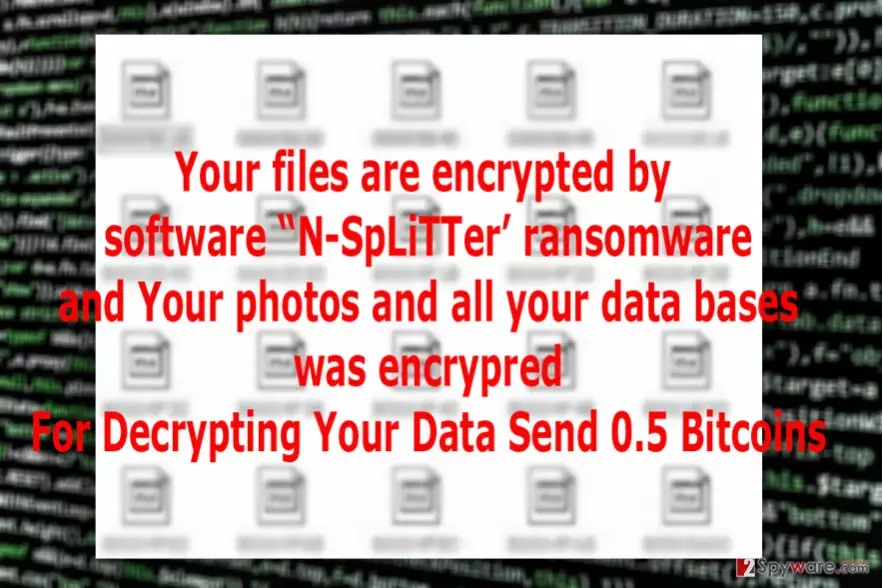
N-SpLiTTer virus encrypts files using a strong algorithm and appends unique file extension in Cyrillic characters – .кибер. When all files on the attacked computer are damaged, malware drops a ransom note. In the message, victims can learn what encryption is and what have happened to their personal files. People cannot access and use their documents unless they purchase an individual decryption key. Hackers demand 0.5 Bitcoins[4] that equals to 546 USD at the moment. We understand that documents are important to you; however, you might lose your money as well. Start N-SpLiTTer removal as soon as this malware shows appearance on your PC. For that, you will need a strong malware removal tool such as FortectIntego. However, malware can prevent you from using security tools, so you will need our prepared instructions that are presented at the end of the article. After N-SpLiTTer ransomware elimination, you will be able to restore your files from backups. If you don’t have them, you should try additional data recovery methods described below.
The most popular ways to spread malware
The developers of the N-SpLiTTer virus use traditional ransomware distribution methods – malicious email attachments and infected software downloads or updates. Unfortunately, computer users are still naïve and trust every email that shows up in their inbox. If you haven’t experienced ransomware attack yet, you should learn to be careful with received emails[5]. Do not open spam emails – they were filtered there for a reason! Also, do not open any attachments or links in any suspicious email that claims to be from the governmental institution, reputable company or retailers. Before opening attachments, double check the information and contact organization directly. N-SpLiTTer hijack might also happen when you install bogus software or its updates from untrustworthy sources or file-sharing domains. So, install programs only from legitimate and official websites.
Guidelines for N-SpLiTTer removal
N-SpLiTTer malware attacks not only home computer users but companies as well. If it infects computer connect to the network, it can immediately attack other computers connected to the same network as well. If you got infected with ransomware do not try to get rid of it manually, opt for automatic N-SpLiTTer removal and scan device with FortectIntego or MalwarebytesMalwarebytes. However, malware might be resistant and block access to security tools. In this case, you should follow our prepared instructions below. Sadly, it’s not enough to remove N-SpLiTTer to restore encrypted files. Anti-malware tools are not designed for this task. If you do not have data backups and cannot retrieve files from there, check our alternative data recovery options below.
Did this guide help?
1 comment
Help
Maybe someone has created a decrypter?