

How beneficial is MarketTool?
If your computer has become unbearably slow and crashes regularly, the MarketTool application might attract your attention as a solution to these problems. It claims to be an effective PC optimization program. The problem is that the Internet is full of such programs and you might easily get puzzled in picking a right app. It is not an easy task as of all of such type applications offer identical PC registry fixing and performance boosting services. Unfortunately, as there is such myriad of them, few of them happen to be effective. MarketTool program is not a virus, unlike some rogue apps[1], but its effectiveness is highly questionable. The surplus of various PC optimization and registry fixers may deteriorate the performance of your device rather than improve it. Therefore, we suggest initiating Market Tool removal. You can do it simply by uninstalling from the Control Panel or Apps and Features. If you are searching for a faster option, remove Market Tool with FortectIntego.
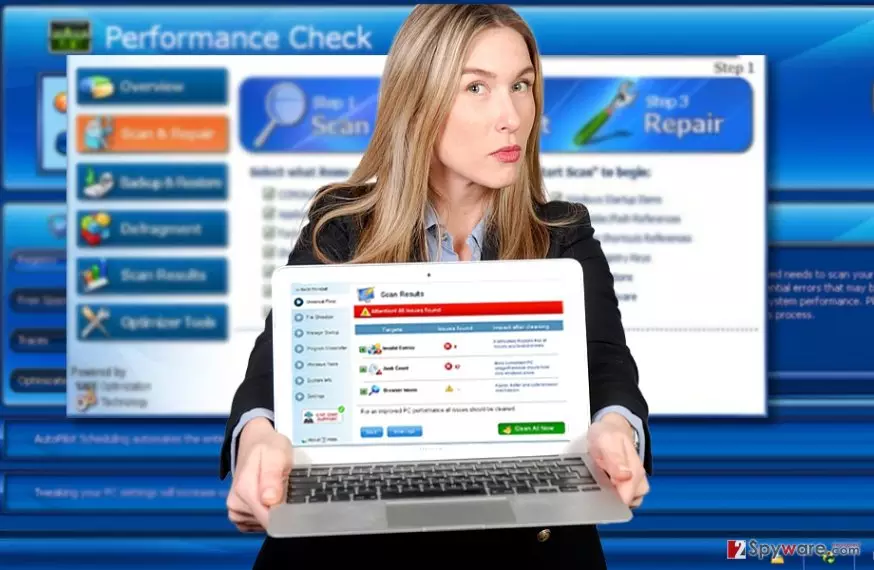
The diversity and number of such PC performance-improving utilities suggest that the business of creating such tools is quite profitable. The reports of increasing ransomware attacks[2] fuel users’ worries about the security of their devices. It encourages more cautious netizens’ to take extra precautions. On the other hand, such activity also creates perfect conditions for shady users and crooks to fill up the online market with questionable programs. Likewise, MarketTool operates as a similar PUP. After scanning the device, it concludes that a number of issues which need to be immediately solved ASAP. As a result, you might rush to purchase the full version only to find out that all of this has been a part of a marketing technique[3]. When you install the full version, it removes the fake notifications ad supposedly claims that the system has been clean from threats. The problem is that such applications as MarketTool may increase the number of system vulnerabilities to virtual threats[4].
Can it hijack my computer?
Market Tool does not behave like a browser hijacker. In the majority of cases, you have installed it deliberately. However, at the moment, the official web page is not available so there is a possibility that you might have installed as an optional program bundled with another free program[5]. If you do not pay attention to the installed program and choose “Recommended” settings, you are likely to install other unwanted programs. When you launch the installation wizard, choose “Custom” settings and watch for optional applications. Unmark them and only continue with the installation of a primary program.
Market Tool uninstallation manual
Luckily, it is not difficult to uninstall this application. Find it simply in the Control Panel or under Apps and Features and remove MarketTool. In rare cases, such applications might indirectly install additional apps. In case, you notice unknown software in the list of system apps but have doubts whether it is necessary or note, let FortectIntego take care of MarketTool removal. Here is the guide how to do it manually.
For Windows users:
1. Click “Start” button.
2. Enter “Control Panel”
3. Find “Market Tool” and select “Uninstall” function.
4. Finish the process by clicking “OK.”
For Mac System:
1. Click “Go” button and select “Applications.”
2. Find the “Market Tool” in the list.
3. After selecting the program, choose “Move to Trash.”
Did this guide help?
2 comments
Poloooo74
Again a useless piece of software?
1drevingd4
Scaring us all the time...