

Ender ransomware scares users with fake data encryption
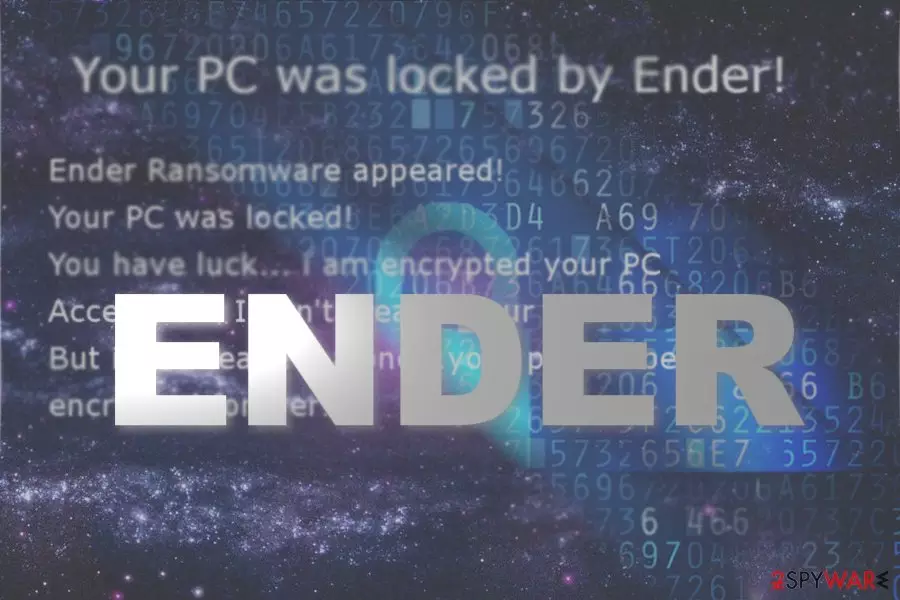
Ender virus is the name of a new screen locker which pretends to be a file-encrypting threat. It displays its graphic user’s interface. Luckily, such claims are fake. Thanks to IT experts,who have found the decryption code, you can unlock your computer with this phrase: aRmLgk8wb0WK5q7[1].
Though the fake ransomware seems to be just an ordinary screen locker, it includes interesting peculiarities. First of all, this malware hides under WindowsApp1.exe file. All Windows users knew that there is no such program called as “Windows App.”
Perhaps the cyber-villain mistyped “apps.” On the other hand, this feature might confuse less advanced users, who might not suspect the felony behind the file.
Furthermore, Ender ransomware has a surprisingly low detection rate. Fortunately, some tools already find it as W32.Trojan.Gen and Suspicious_GEN.F47V1008[2]. This feature can be explained by the fact that the cyber criminals attempted to wrap the malware in a supposedly valid digital certificate. On the other hand, its another executable — EnderRansom v.0.1.exe – suggests the true origin of the malware better.
It seems that the author of the ransomware is a fan of the Ender’s game 1985 science fiction novel Ender’s game as he named the malware after the main character. Luckily, the malware is not so elaborate as the novel. There is no need to pay the perpetrators or contact them. Unlock the computer by pressing ALT+F4 and typing the passcode. On the other hand, you still need to remove Ender malware. For that purpose, FortectIntego or MalwarebytesMalwarebytes might come in handy.
Ways to prevent ransomware attack
The fact that this screen locker has a low detection rate suggests that simply having an anti-virus tool is not sufficient. You might consider obtaining a firewall and malware elimination tool. Besides that, it is crucial you pay attention to the downloadable content. Here are a few tips which will help you evade Ender hijack:
- Do not download programs from secondary sources
- Check whether they are have verified publisher
- Do not open email attachments without double-checking the sender
Regarding the Katter aspect, you might even inquire your email account contact about the sent email file as cyber villains find a way how to break into ongoing conversations and foist malware in an attachment.[3] Let us look through Ender virus removal procedure.
Eliminate Ender virus from Windows
You can get rid of the malware with the assistance of malware elimination tool. It is highly recommended to boot the system in Safe mode. Launch the security tool and remove Ender virus.
After the process is finished, restart the device in normal mode and repeat the procedure. It should complete Ender removal. Even though the malware is likely to be spread in English websites, for instance, Finnish[4] users should be vigilant as well.
Did this guide help?
Be the first to comment