

FileSlack ransomware is a file locking cyber threat which announces about secret encryption via a short ransom message
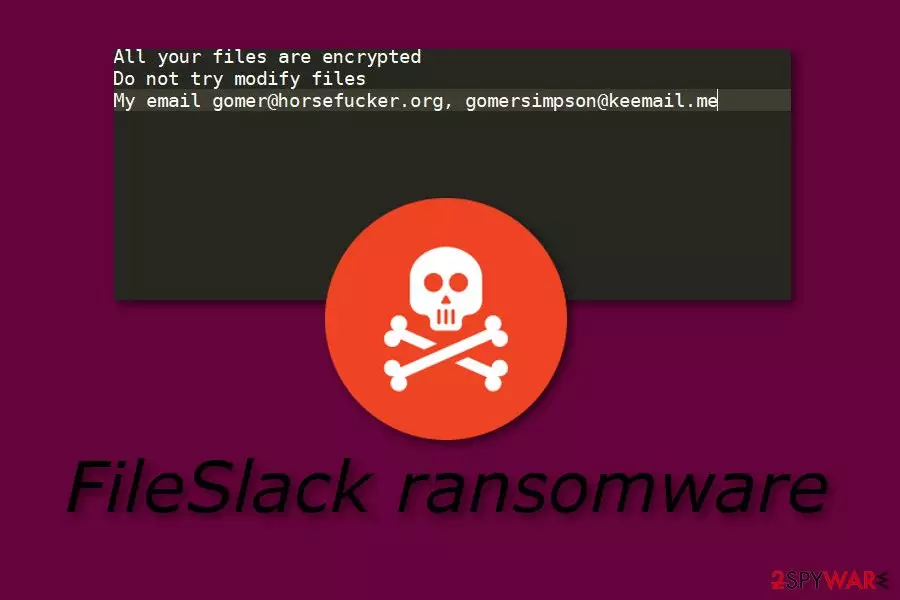
FileSlack ransomware is a file-encrypting virus which uses unique cryptography[1] to block various files on the infected computer. This cryptovirus first was discovered by a cybersecurity researcher named Michael Gillespie.[2] It uses sneaky distributing techniques as crooks are very likely to inject hazardous payload almost anywhere (especially, spam email messages). Furthermore, after the infiltration process, FileSlack virus encrypts all data found and adds the .FileSlack appendix to each locked file. Later on, the ransomware virus displays a short message which urges to make contact with the cybercriminals and, supposedly, discuss all matters related to the price which needs to be paid in order to restore encrypted files. The Readme_Restore_Files.txt message provides two email addresses: gomer@horsefucker.org, gomersimpson@keemail.me.
| Name | FileSlack |
|---|---|
| Category | Ransomware |
| Founder | Michael Gillespie |
| Appendix | .FileSlack |
| Message name | Readme_Restore_Files.txt |
| Given emails | gomer@horsefucker.org, gomersimpson@keemail.me. |
| Most popular distribution source | Email spam |
| Detection possibilities | FortectIntego can detect malicious payload |
The entire FileSlack ransomware ransom message looks like this:
All your files are encrypted
Do not try modify files
My email gomer@horsefucker.org, gomersimpson@keemail.me
Usually, cybercriminals who spread ransomware urge their victims not to try to decrypt or do anything else with the encrypted files, otherwise, they might be permanently lost. FileSlack ransomware is not an exception also. Crooks write “Do not try modify files” in order to threaten their victims and provide “the only chance” of recovering files – by paying a particular price and receiving the decryption key.
However, we suggest not believing in these people as they often write and tell lies for their own benefits. What you should do is remove FileSlack virus from your computer system permanently. Use a program such as FortectIntego to make sure that you detect all harmful content that might be injected into different locations of the system. Additionally, refresh the machine after the process is completed.
FileSlack ransomware removal is a complicated job to perform. That is why you should not try eliminating the cyber threat on your own. If you do try, you might bring only more harm to your computer and damage the system permanently. Rather than trying to eliminate the virus manually, you should lean on professional automatical computer software. For further protection on the future, we recommend storing all important data on some type of external device or server, e.g. USB.
Even though crooks use unique algorithms such as AES, RSA, and SHA to encrypt files on the targeted system, and store both encryption and decryption keys on remote servers, this does not mean you cannot restore some of your files by using other tools that are created for data recovery purposes. If you want to try to recover some files that were locked by FileSlack ransomware, you can take a look at some methods that we have provided below the article.
Additionally, you need to get rid of FileSlack ransomware as soon as possible as this ransomware virus might bring unwanted consequences to your computer. For example, some of these threats are capable of erasing Shadow Volume Copies permanently, injecting other malware such as Trojan horses,[3] making the system vulnerable for various issues and infections, etc. Do not wait until the ransomware makes unwanted changes to your computer.

Email spam is the main ransomware distribution source
According to cybersecurity experts from Virusai.lt,[4] ransomware infections are very likely to distribute almost anywhere throughout the Internet sphere. However, the most popular ransomware spreading source is email spam and their rogue attachment such as executable which often carry infected content that is the ransomware virus payload.
Be careful while opening suspicious-looking emails, otherwise, you might launch the harmful content straight into your computer system. If such thing happens, the ransomware virus might perform unwanted changes on your computer which might be very hard to reverse. So, better do not open any messages which look questionable to you.
Furthermore, ransomware can also be found on unprotected websites and their hyperlinks. If you like visiting third-party websites, make sure that you have an antivirus program downloaded on your computer as this tool is capable of detecting rogue and harmful content in the system. However, the best for your computer would be to close all suspicious sites that you have entered and never return to them again.
FileSlack ransomware removal should be performed with reputable tools only
You can remove FileSlack virus by using automatical computer tools only. The manual elimination technique is not a possibility for this case as it might bring only more harm and misunderstandings to your computer. Furthermore, we suggest downloading and installing an anti-malware program such as FortectIntego, SpyHunterCombo Cleaner, or MalwarebytesMalwarebytes to detect all ransomware-related content in your computer system.
FileSlack ransomware removal needs to be performed if you want to recover data that was encrypted by the ransomware virus. Note that, if you do not permanently delete the cyber threat, you will not be able to get rid of its activities and the encryption process will return again. So, eliminate the dangerous virus properly before you proceed with data recovery steps.
Did this guide help?
Be the first to comment