

BO Sniffer v1.2 – a dangerous infection gunning for your private details
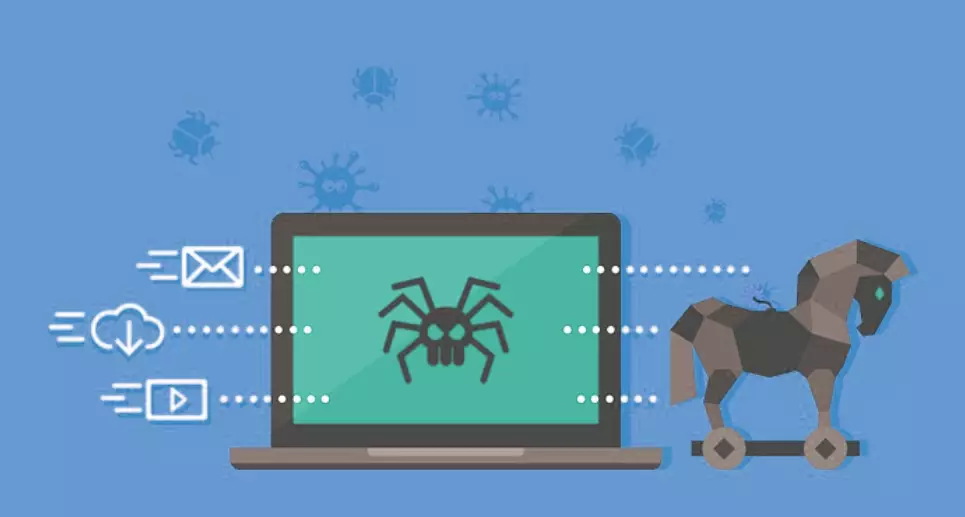
BO Sniffer v1.2 is a Remote Access Trojan (or RAT for short) created for spying on user activities and stealing valuable information, such as IP addresses, passwords, credit card information, social security numbers, etc. The author is a hacker called OiPunk. The malicious program was created in September 1998.
| name | BO Sniffer v1.2 |
|---|---|
| Type | Malware, RAT |
| Risks | Identity theft, additional malware, financial losses |
| Distribution | File-sharing platforms, fake Flash Player updates, spam emails |
| Elimination | If you think that your computer is infected with this Trojan, please scan it with reliable anti-malware software immediately |
| System health check | Trojans do excessive damage to core system settings, that could result in various abnormal behavior, such as crashing, freezing, etc. Resolve these issues with the FortectIntego system diagnostics tool |
RATs are very dangerous as their functions may cause a lot of harm to the victim. They may be created for different purposes, and some may steal your private details, take screenshots, record audio or video from your web camera and microphone. In contrast, others can infect your device with additional malware or corrupt the device altogether.
Threats like BO Sniffer v1.2 virus provide remote access to your computer to the attacker, so he could do whatever he pleases. You have to remove such infections immediately. That can be done by scanning your device in question with a reliable anti-malware tool. Afterward, a system tune-up with compatible PC repair software is in order to restore any damage the virus has caused to your device.
Did this guide help?
Be the first to comment