

Wzoq ransomware is a dangerous file-locking virus that can result in permanent damage
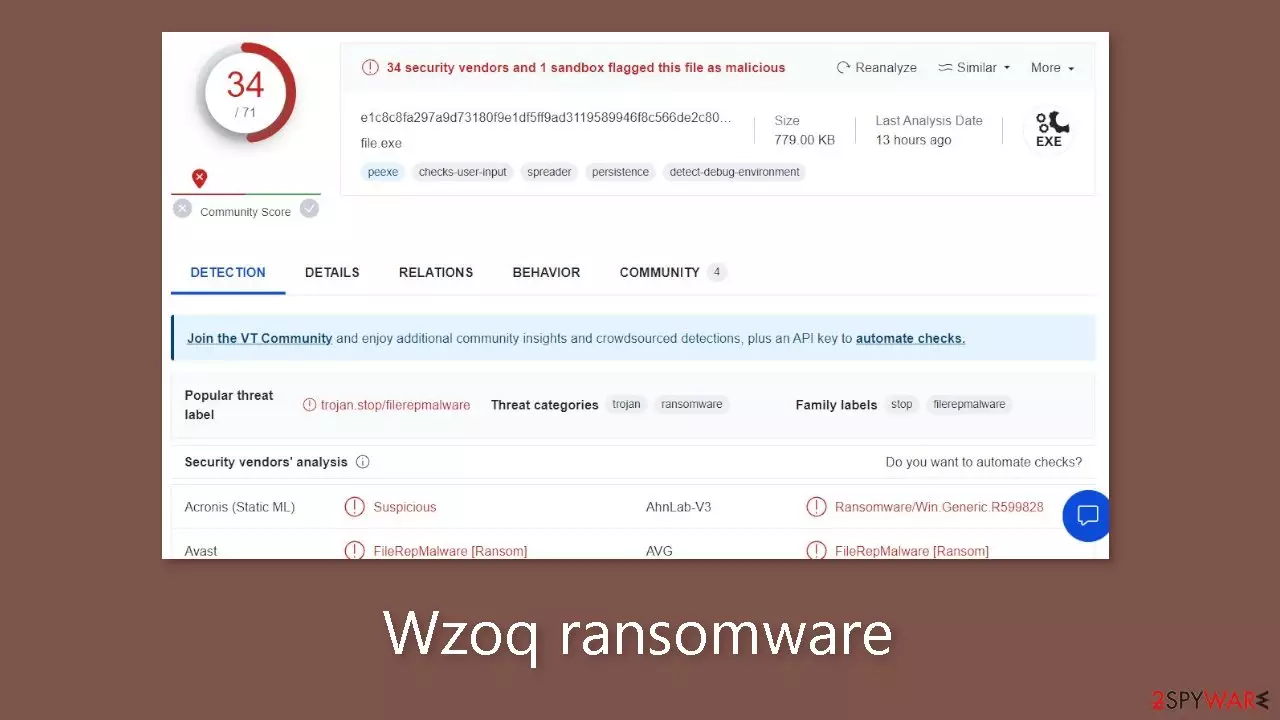
The dangerous computer virus Wzoq threatens its victims by encrypting their personal information and pressuring them into paying a ransom. By taking advantage of questionable software cracks and illegitimate apps, it frequently gains access to Windows systems. Once it has gained access, it immediately uses the intricate RSA method to encrypt all of the user's personal files and marks them with the .wzoq extension.
This process doesn't result in permanent data damage. Instead, it acts as a password by preventing users from viewing their content unless they have a special decryption key. The ransomware makes use of an online ID mechanism to make sure that each victim receives a decryption key that is specifically crafted for them. Without the appropriate decryption tools, retrieving encrypted files becomes a difficult task.
Unfortunately, the decryption keys are securely held only by the crooks behind the Wzoq ransomware attack. The wrongdoers express their demands using a note called _readme.txt after successfully encrypting the data. They state that in order to get the decryption software needed for restoring access to their files, victims must pay either $980 or $490 in Bitcoin. They provide the following emails to help with negotiations:
- support@freshmail.top
- datarestorehelp@airmail.cc
Although these cyber offenders might be the exclusive entities capable of furnishing the necessary decryption solution, this doesn't imply that there are no alternative means for data recovery that don't involve relinquishing money. Fortunately, security experts have developed alternate decryption tools to combat this specific strain of Djvu ransomware. While not guaranteed to work for everyone, these alternatives are certainly worth attempting. Furthermore, there are other recovery options available, particularly if no previous backups were created. Refer to the details below for additional information.
| NAME | Wzoq |
| TYPE | Ransomware, file-locking malware |
| MALWARE FAMILY | Djvu |
| FILE EXTENSION | .wzoq |
| RANSOM NOTE | _readme.txt |
| RANSOM AMOUNT | $980/$490 |
| CONTACT | support@freshmail.top, datarestorehelp@airmail.cc |
| FILE RECOVERY | Without backups, there's no foolproof recovery method for encrypted files. Options include: paying the ransom (not advised due to potential monetary loss), using Emisoft's decryptor tool (limited success) or third-party recovery software |
| MALWARE REMOVAL | After disconnecting the computer from the network and the internet, do a complete system scan using a security program |
| SYSTEM FIX | Upon installation, the malware can inflict significant damage to critical system files, leading to system instability issues like crashes and errors. The automatic repair of any such damage is feasible with the use of FortectIntego PC repair |
The ransom note
Wzoq ransomware drops a _readme.txt ransom note that reads as follows:
ATTENTION!
Don't worry, you can return all your files!
All your files like pictures, databases, documents and other important are encrypted with strongest encryption and unique key.
The only method of recovering files is to purchase decrypt tool and unique key for you.
This software will decrypt all your encrypted files.
What guarantees you have?
You can send one of your encrypted file from your PC and we decrypt it for free.
But we can decrypt only 1 file for free. File must not contain valuable information.
You can get and look video overview decrypt tool:
hxxps://we.tl/t-E3ktviSmlG
Price of private key and decrypt software is $980.
Discount 50% available if you contact us first 72 hours, that's price for you is $490.
Please note that you'll never restore your data without payment.
Check your e-mail “Spam” or “Junk” folder if you don't get answer more than 6 hours.To get this software you need write on our e-mail:
support@freshmail.topReserve e-mail address to contact us:
datarestorehelp@airmail.ccYour personal ID:
–
A message that is sent to victims of a data encryption attack is known as a ransom note. It begins with the word “ATTENTION!” in bold, which is meant to catch the victim's eye. The message attempts to direct the victim's actions to conform with the demands of the assailants by combining urgency and certainty. For the following reasons, paying the ransom should be strongly discouraged:
- No guarantee: Payment does not guarantee that the attackers will provide the decryption key or tool. Victims might not regain access to their files even after paying.
- Supporting criminals: Paying the ransom funds criminal activities, encouraging further attacks and victimizing others.
- Alternative solutions: Security experts often develop decryption tools that can be used to recover files without paying the ransom.
- Future attacks: Victims who pay might be targeted again in the future since attackers know they are willing to comply.
- Backup recovery: Regularly backing up data to secure locations provides a more reliable solution against ransomware attacks.

Malware removal and data recovery
The operation of malware and the encryption process used by ransomware are frequently misunderstood. It's a common misconception that doing a thorough system scan with security tools or attempting to restore files to their former condition by reintroducing the original extension will successfully restore encrypted information.
The truth, however, is much more complicated. Ransomware uses a cunning strategy by enclosing data pieces in each file with an extremely complex alphanumeric pattern that is practically impossible to decrypt. This is the same thing that elevates a ransomware attack to a significant issue and raises the possibility of irreparable data loss.
But giving up hope is counterproductive because there is still some hope. There is still a slim chance that the data can be recovered, however it could not happen right away but perhaps in the future. No matter what the situation, eradicating the Wzoq ransomware completely should be your first step toward recovery. For this, it is recommended to use reputed security software like SpyHunterCombo Cleaner or MalwarebytesMalwarebytes. Alternate methods include switching to the Safe Mode environment and eliminating there if the malware continues to obstruct this process. The instructions for doing this are provided at the end of this article.
Following the successful elimination of the malware, your focus can then shift to data recovery. We suggest commencing with the use of Emsisoft's decryption tool. This tool has demonstrated its efficacy in specific cases involving the decryption of files encrypted by Djvu variants. Nevertheless, it's important to acknowledge that some time might elapse before this recovery method becomes accessible to you.
- Download the app from the official Emsisoft website.
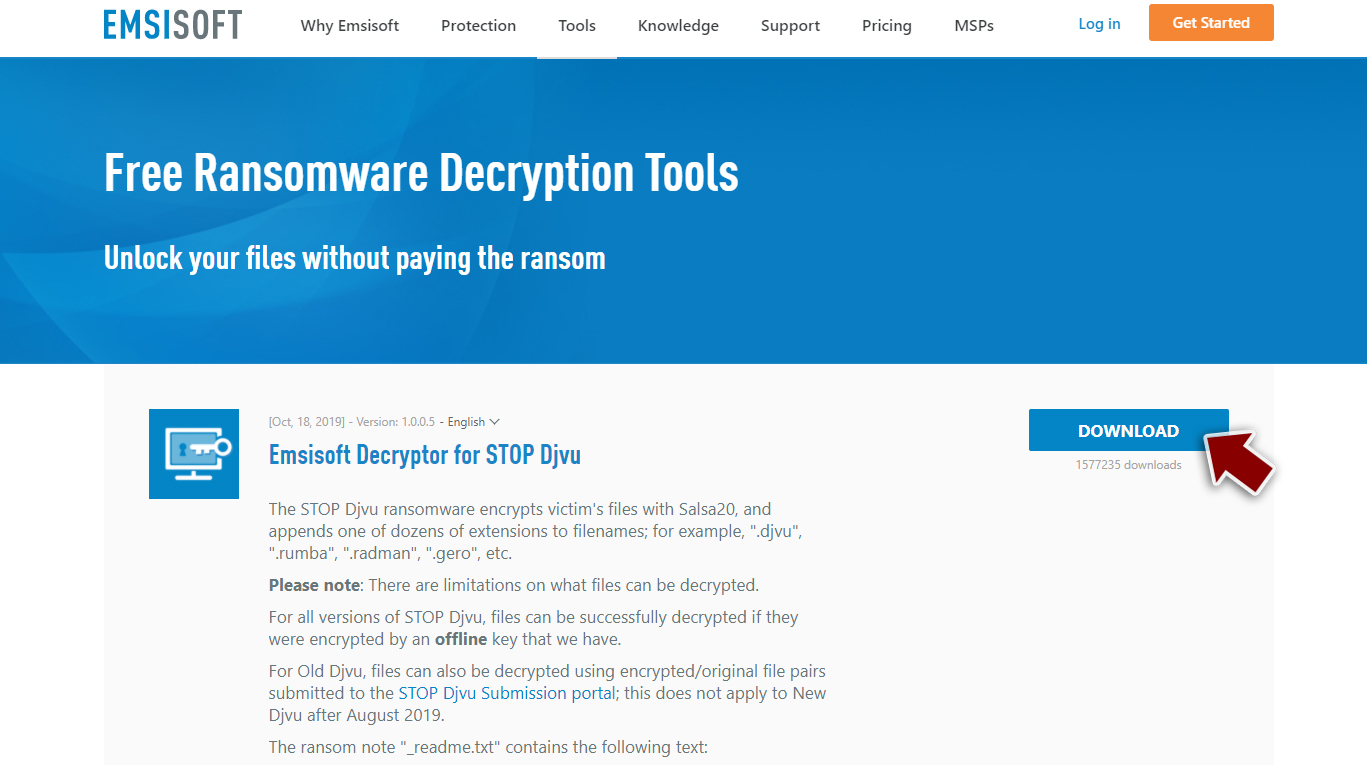
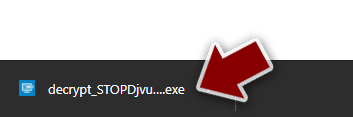
- After pressing Download button, a small pop-up at the bottom, titled decrypt_STOPDjvu.exe should show up – click it.
- If User Account Control (UAC) message shows up, press Yes.
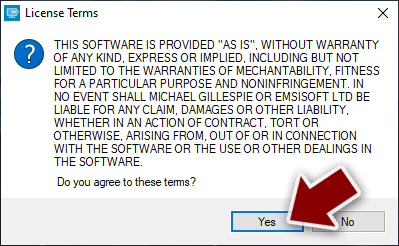
- Agree to License Terms by pressing Yes.
- After Disclaimer shows up, press OK.
- The tool should automatically populate the affected folders, although you can also do it by pressing Add folder at the bottom.

- Press Decrypt.



From here, there are three available outcomes:
- “Decrypted!” will be shown under files that were decrypted successfully – they are now usable again.
- “Error: Unable to decrypt file with ID:” means that the keys for this version of the virus have not yet been retrieved, so you should try later.
- “This ID appears to be an online ID, decryption is impossible” – you are unable to decrypt files with this tool.
You could always resort to specialized data recovery software if this method is unsuccessful.
- Download Data Recovery Pro.
- Double-click the installer to launch it.

- Follow on-screen instructions to install the software.
- As soon as you press Finish, you can use the app.
- Select Everything or pick individual folders which you want the files to be recovered from.

- Press Next.
- At the bottom, enable Deep scan and pick which Disks you want to be scanned.

- Press Scan and wait till it is complete.
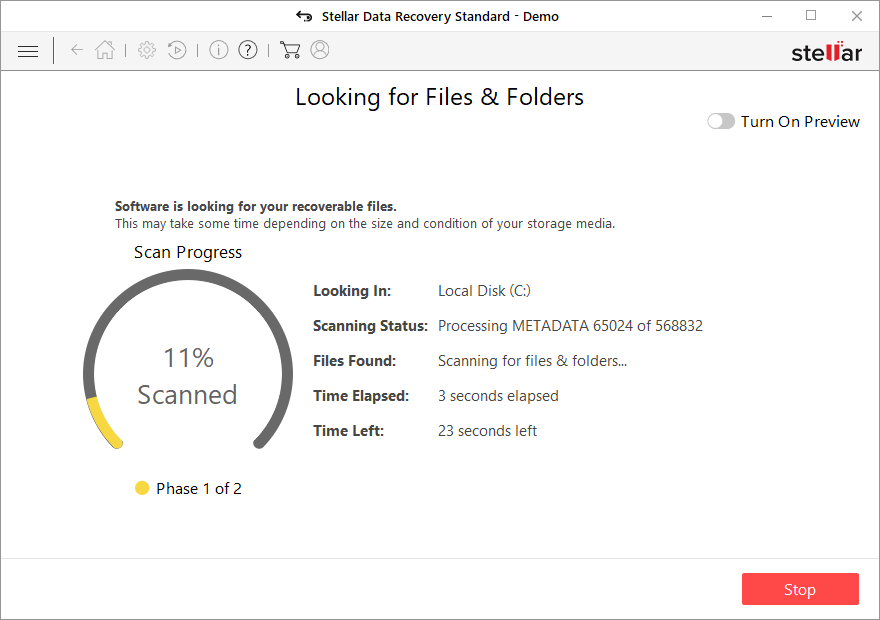
- You can now pick which folders/files to recover – don't forget you also have the option to search by the file name!
- Press Recover to retrieve your files.


Did this guide help?
Be the first to comment