

CryptoKill authors won’t provide you with decryption key even if you pay the ransom
CryptoKill virus is just a new ransomware variant based on HiddenTear[1] open source ransomware code. Once installed, the virus encrypts victim’s data and appends .crypto extensions to corrupted files. After that, it creates and saves CRYPTOKILL_README.txt file (ransom note) on the desktop. CryptoKill is not a screen locker virus – it actually corrupts files, but it simply is not able to help victims if they obey the commandments of cyber criminals[2]. Just like any typical ransom-demanding virus, it asks to buy some Bitcoins and send these to a certain Bitcoin wallet. If you have been infected with this ransomware, it is very important to know that YOU MUST NOT pay the ransom, because the virus doesn’t save any keys regarding the encryption/decryption[3] procedure. Therefore, scammers cannot practically provide you with decryption tool even if you pay the ransom.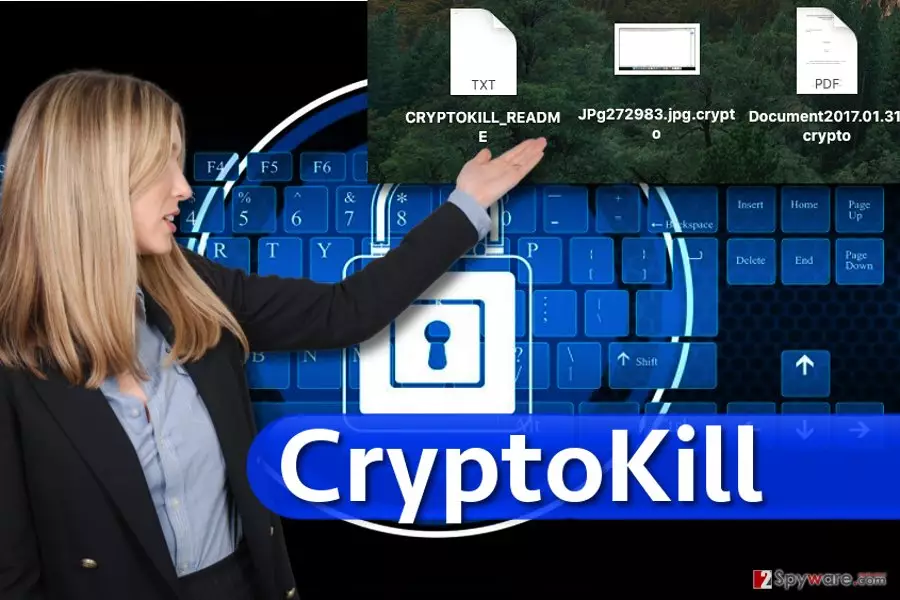
This malicious program is a perfect example of a poorly-coded virus that fails to do everything correctly, and consequently, the bug in the program’s code doesn’t allow criminals to know decryption keys that victims might be willing to obtain. If your files suddenly became inaccessible and they have .crypto file extensions added to them, remove CryptoKill virus from the machine as soon as you can. Keeping malicious files leave your computer open to further malware infections, so secure it by wiping the virus from it with a decent anti-malware software. We suggest using FortectIntego or MalwarebytesMalwarebytes for CryptoKill removal.
How can I avoid ransomware viruses?
If you have been attacked by ransomware virus, you sure do not want to experience that ever again. Therefore, you must get familiar with ransomware distribution tricks. The most efficient method to infect victims is to simply send them a convincing email message containing some attachments. Once executed, these attachments compromise the system and render all files useless. It goes without saying that it is the main reason why we always recommend our visitors to keep clear of emails sent by unknown individuals; however, you can not always stay alert and think about possible dangers while browsing the Internet. More advanced cyber criminals manage to hack ad networks[4] and make them distribute malware-laden ads, they can also compromise legitimate websites and make them display bogus “The HoeflerText wasn’t found” warnings[5]. To keep your system secure, we recommend installing a reliable anti-malware program.
How can I remove CryptoKill ransomware?
If you suddenly became a victim of malicious software known as ransomware, you might start considering the option of paying the ransom. In the case of CryptoKill ransomware, you should forget about this option because it will definitely won’t help you to recover your files. Therefore, you are advised to remove CryptoKill virus as soon as possible and use a data backup (if you have it) to restore your files. Below, you will find a complete guide on how to carry out CryptoKill removal successfully. Please let us know if you have any questions regarding this virus or data recovery.
Did this guide help?
4 comments
kitten_
Im glad I didnt pay...
Molbert
Yeah. Well at least now I really know that there is no hope to recover my files. damn ransomware frauds! total fools!
Lafayette
I wouldnt pay even if they had the decryption key.. theres no point in doing so.
Josh
I cant believe I just got infected with this.