

Mr. Paul Sütterlin creates Krypta ransomware using HiddenTear’s code
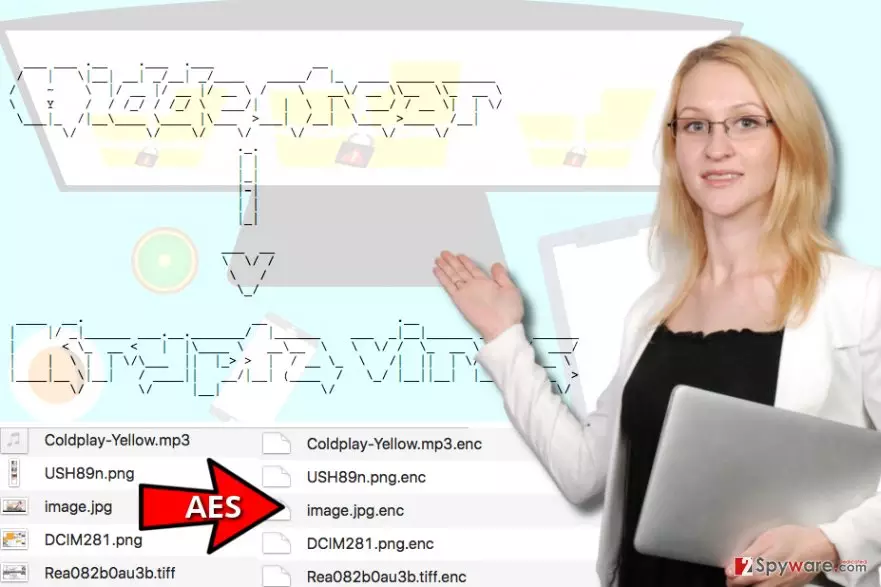
The number of currently available HiddenTear variants just shocks us – apparently, Krypta virus is the latest one of them. Krypta ransomware was developed in March 2017, and it seems that is was created by Paul Sütterlin using Visual Studio 2015. The virus is based on Utku Sen’s dangerous program[1] that was created as a proof-of-concept[2], and it uses AES encryption to lock victim’s files. Originally known as Rijndael[3], this cryptography method is symmetric, and it means that encryption and decryption keys used in the process are identical. The key can be 128, 192 or even 256 bits in length, and it means that it would take years to brute-force it. Obviously, it is not possible to guess the key, either. During the encryption process, Krypta ransomware virus also decorates each encrypted file with a bonus file extension – .enc. This extension is known to be used by RozaLocker and Cryptohasyou viruses. Typical ransomware type viruses then leave a ransom note on the desktop, which urges the computer to the user to pay for the comeback of his own files. It is nothing less than an attempt to extort money from you – do not forget that! According to researchers, Krypta ransomware comes with a useful Decrypt button, which can be used to restore encrypted files. If it works, you should get your files back for free. Until then, we suggest you remove Krypta malware using anti-malware programs, for instance, FortectIntego or MalwarebytesMalwarebytes.
In this case, it seems that Krypta ransomware is not that dangerous; however, if you were infected with a variant that asks you to pay money for data decryption, it means that you were infected with a severe and illegal program that attempts to extort[4] and blackmail you. Typically, such programs promise to delete the decryption key in case the victim fails to pay the ransom within a given time period. To be prepared for ransomware attacks, we suggest you create your data backups beforehand and keep them in a safe place. Using a decent anti-malware solution can prevent ransomware attacks, too, so we suggest installing one ASAP. You can use programs that we recommended using for Krypta removal.
How do such viruses proliferate?
Ransomware is not a Trojan and it does not spread on its own. In order to implement data encryption, one has to install it on the computer system manually. Typically, ransomware viruses reach victims in a form of email attachments, so we always advise computer users to be careful about suspicious emails that contain one or a few attachments because opening them can lead to disastrous consequences. Spam campaigns[5] that distribute ransomware typically deliver a short message that kindly invites the target to view attached contents. If the victim opens them, they might ask one to enable Macros to see the content of the file properly. Once enabled, the Macros activates the malicious script provided in the attachment and it downloads the ransomware from a server that hosts it. However, more sophisticated viruses usually proliferate rapidly because they use advanced distribution methods such as exploit kits and malvertising. the In case of such attacks, only a decent anti-malware software with a real-time protection feature can ward off your computer.
How to remove Krypta ransomware?
Remove Krypta virus using instructions provided below the article. You can use method 1 or method 2 to delete it. Keep in mind that you will need to use an anti-spyware or anti-malware program because it is not advisable to deal with ransomware manually. If your files were corrupted and you can no longer open them, and if the “Decrypt” button doesn’t work, you can try standard data recovery methods explained right below Krypta removal tutorial.
Did this guide help?
2 comments
Gin24
Well, Paul Sütterlin, youre a naughty boy. Better stop creating that ransomware right now!
anabelle
Why there are so many Hidden Tear copies these days? Has someone published its source code on dark web forums or what?! Seems like script kiddies have so much fun creating stupid viruses.