

NewHT ransomware virus might be a new variant of HiddenTear
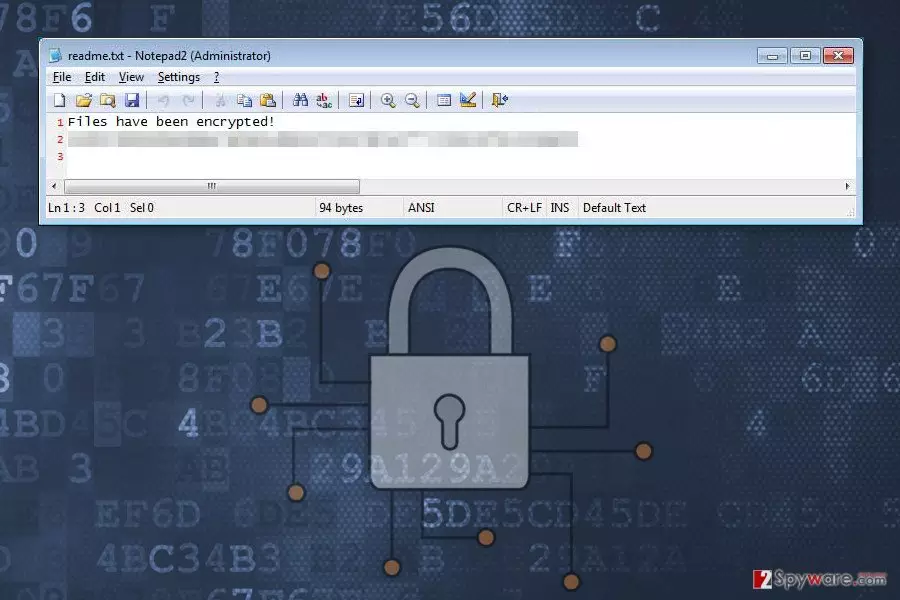
NewHT is a recently discovered file-encrypting virus. This brand new malware uses AES encryption algorithm to lock files stored on the hijacked computer. The virus is designed to target the most popular file types, such as image, audio, video or text files. To each of the corrupted file, it appends .htrs extension. Since then users cannot open or use their files until they get a necessary decryption key. As soon as all targeted files are secured with a strong cipher, ransomware drops a readme.txt file. It’s a ransom note that informs about encrypted files and provides a random string of numbers and letters. However, instead of paying attention to this message from cyber criminals, victims are suggested to launch NewHT removal immediately. Such viruses should be eliminated from the system ASAP with the help of reputable anti-malware software, such as FortectIntego.
Malware researcher suspect that NewHT ransomware might be a new variant of HiddenTear. It is known as an open-source ransomware project that has been used in creating numerous file-encrypting viruses. This crypto-malware might be distributed via malicious email attachments which include obfuscated htrs.exe file that is responsible for executing and launching virus on the system. As you already know, ransomware is designed to encrypt files and ask to pay the ransom to restore files. Authors of NewHT ask to pay 0,5 Bitcoins. However, we do not recommend obtaining a questionable decryption software from cyber criminals.[1] After transferring the ransom, you may not receive help or necessary software.[2] Crooks might take your money and use them for other illegal projects in the future. Meanwhile, you might end up with both data and money loss. What is more, sometimes hackers use numerous blackmailing and psychologic terror techniques and ask to pay even more money. Therefore, you should not consider having business with shady people. First of all, remove NewHT from the device. It helps to protect your computer and personal privacy from other cyber infections. Secondly, use data backups or try alternative recovery methods to restore encrypted files. Our recommendations are presented at the end of the article.

Tips for avoiding ransomware infiltration
NewHT might get inside the computer with the help of malicious email attachment, malware-laden ad, exploit kit, fake software downloads or updates, etc. Malware developers rarely rely on one distribution and infiltration strategies. However, the most popular and successful method is infected documents attached to an email. Crooks use various social engineering techniques and can pretend to be from well-known organizations, companies, and banks. Thus, a regular .doc or .pdf document may not look dangerous, and users might be tricked into clicking them. However, before doing that, you should always double-check the information about the sender, look for grammar or spelling mistakes, and use other security tips[3] that might help to identify a dangerous email. NewHT hijack might also occur when users click on an infected ad[4] that might be placed on both malicious and legitimate website. Aggressive, eye-catchy or strange-looking ads often include virus-related content. However, sometimes they might barely differ from safe ads. Thus, before clicking on every advertisement, you should evaluate the risk. Lastly, you should also always install programs and updates from publisher’s site and stay away from ads offering software downloads or updates. Suspicious file-sharing sites or P2P networks are one of the main sources of cyber infections.[5]
Removal of NewHT virus
NewHT removal must be completed using professional malware removal program. Our team suggest eliminating the virus using FortectIntego or MalwarebytesMalwarebytes. Of course, you can use your preferred tool as well. However, you should pay attention to few aspects of this procedure. First of all, malware may prevent from installing or accessing security software. In this case, you need to reboot your device to Safe Mode with Networking as shown below. Secondly, you need to update security software before running a full system scan. The only up-to-date tool can detect all ransomware related entries from the device. Lastly, it’s not enough to remove NewHT from the device to decrypt files. For that, you will need backups or try alternative recovery solutions.
Did this guide help?
Be the first to comment