

.PPTX ransomware is a file locking virus that belongs to GlobeImposter family

.PPTX ransomware is a file locking virus that comes from GlobeImposter ransomware family. The malware can get injected into the machine after users open malicious spam email attachments, visit dangerous sites, use weak passwords for RDP, or fail to patch the installed software on time. PPTX file extension virus uses several encryption[1] algorithms to lock up personal files and generates a unique key that is sent to a remote server controlled by hackers. To receive the access to data, victims are asked to pay $780 in Bitcoin, and all the information on how to do that is provided in READ_ME.txt ransom note that is dropped into every folder on the PC. PPTX virus authors double the price of ransom after two days; users are faced with the dilemma of whether on not to pay, as the ransomware is not decryptable yet.
| Name | .PPTX |
|---|---|
| Related to | GlobeImposter |
| Category | Ransomware |
| Infection | Spam email attachments, dangerous websites, weak RDP, exploits, etc. |
| Extension added | .PPTX |
| Ransom message | READ_ME.txt |
| Price | $780 |
| Removal | Get rid of the virus permanently. Furthermore, use FortectIntego to detect all damaged objects |
PPTX virus uses unique ciphers such as AES or RSA to lock important documents on the infected computer. However, ciphers used can differ from system to system. Due to this fact, both encryption and decryption keys are very hard to identify even for highly-experienced computer specialists.
The ransom note that hackers produced reads as follows:
Your files are Encrypted!
For data recovery needs decryptor.
How to buy decryptor:1. Download “Tor Browser” from https://www.torproject.org/ and install it.
2. Open this link In the “Tor Browser”
http://huhighwfn4jihtlz.onion/sdlsgdewwbhr
Note! This link is available via “Tor Browser” only.
————————————————————
Free decryption as guarantee.
Before paying you can send us 2 file for free decryption.
While many users become devastated about .PPTX virus attack, there is no need to pay cybercriminals. Even though files are hard to decrypt, crooks often scam users by promising a decryption tool in exchange for money. However, once the ransom is transferred the criminals might not respond and send no decryptor.
Do not try to perform test decryption either, because crooks might send you an executable which could harm your PC even more. Instead, we recommend completing the .PPTX ransomware removal instead of paying the demanded price. Furthermore, you can try a tool such as FortectIntego to fix all the damage done by the ransomware.
Another valid reason to remove .PPTX ransomware is that some dangerous computer viruses, including ransomware, can make your computer system vulnerable to other infections. Avoid this type of possibility and get rid of the ransomware virus before it further damages your computer system. After the PPTX virus is removed, you can attempt to recover data using third-party tools, as explained below this article.
Furthermore, we recommend taking care of important data in the future. If you want to make relevant documents reachable only for the owner, that means you, consider storing copies of valuable files on an external device such as USB flash drive or a cloud server. If you choose to use the USB device, make sure that you keep it unplugged from the computer when it is out of usage, and your data will be protected.
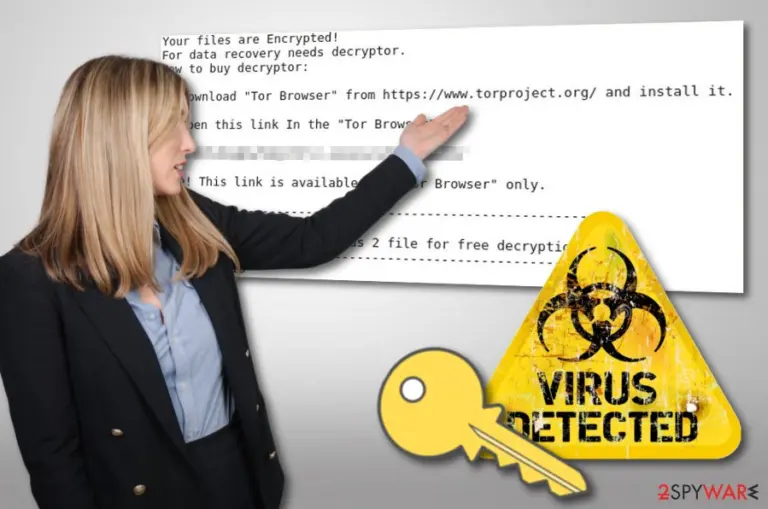

Avoid ransomware attacks by suppressing your curiosity – do not open spam emails!
According to computer technology experts from Virusai.lt[2], spam messages and their rogue attachments are the most common ransomware distribution source. If you ever notice that you have received a phishing email[3] which came from a questionable sender and the letter itself includes lots of grammar mistakes, you should get rid of such message and especially DO NOT open any attachments clipped to it.
Furthermore, dangerous computer infections can be spread via third-party websites. These pages include P2P networks[4] such as Torrents, eMule, and others. Stay away from these secondary web pages if it is possible. If not, consider purchasing a reliable computer protection tool. Antivirus software will protect your computer automatically, scan your system, and alert if something rogue is trying to get into the PC.
Remove .pptx file extension virus with the help of security software
If you have spotted files with the .PPTX appendix or have seen the READ_ME.txt ransom message, there are no doubts that ransomware has targeted your computer system. Due to this, you have to take actions instantly and remove .PPTX virus ASAP. To complete the process safely and effectively, our experts' team recommends downloading and installing reputable anti-malware tool. Moreover, you can install PC repair software such as FortectIntego – it can pick up all the damage done to your machine, and bring it back to working state.
After you perform the .PPTX ransomware removal, there is one more important thing you need to do – file decryption. As we already mentioned, the PPTX virus is not decryptable. However, make use of our guide below and try file recovery applications.
Did this guide help?
Be the first to comment