

Vundo trojan is a widely spread trojan that displays a large number of unsolicited pop-ups
Vundo trojan is the threat that downloads other pieces of malware and files or even fills the screen with commercial material. It is known to belong to a malware category that is distributed via spam email, peer-to-peer sharing platforms, drive-by downloads, and with the help of other intruders. The virus also is known as VirtuMonde, VirtuMundo, and MS Juan. It has been associated with various other threats and detection names, but you shouldn't focus on the name of the infection. If you receive any detection when running an anti-malware tool – remove any indicated pieces and free your machine from malware.
| Name | Trojan:W32/Vundo |
|---|---|
| Type | Trojan |
| Distribution | various malicious content, pirating platforms, and even other infections can lead to infiltration of the main trojan |
| Problems | The program and processes launched by this infection can affect crucial features of the OS or even infiltrate ransomware virus without causing many symptoms |
| Removal | Remove the trojan as soon as possible, and by using anti-malware tools, so you can clear any threats that come along the way |
| System repair | You need to repair the damage that virus leaves behind – use FortectIntego for that |
This trojan is hard to remove, the removal process is very complicated because the threat is silently working in the background and can easily install files or programs in various places. The trojan and its mutated clones: Vundo.b, Vundo.celldorado also silently downloads additional files from the Internet and runs arbitrary potentially harmful files, mostly adware components.
This is why people that have the trojan on the computer complain about advertisements, commercial content, redirects, and other intrusive pop-ups, notifications. Vundo is distributed by e-mail in messages containing links to insecure websites, which exploit certain security vulnerabilities of the Internet Explorer, Google Chrome, Safari, or different web browsers.
Once the user clicks on such a link, the browser opens a dangerous site that automatically installs the Vundo trojan into the system without user knowledge and consent. So you should rely on the tool like SpyHunterCombo Cleaner or MalwarebytesMalwarebytes and remove the trojan properly by scanning the system thoroughly. Do not forget to check for virus damage and other issues that virus infection can leave. Run FortectIntego to repair system files or registry entries.
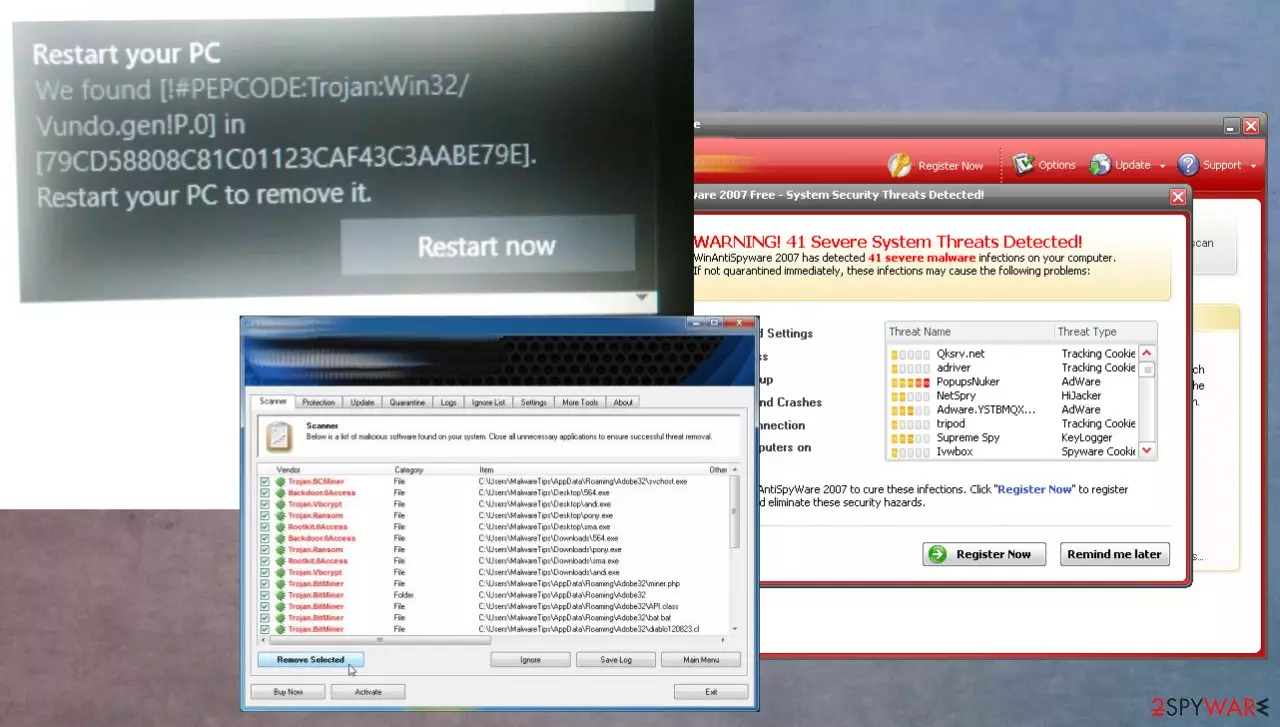
Trojans designed to compromise computers silently
Online browsing is newer a good idea if you surf random pages and even download applications from hose sites or p2p platforms, similar services. You can never know if the program is legitimate and safe if you cannot be sure that the source is official and secure.
The best way to get your programs and tools from the internet is via the official developers' page or App Store. There is nothing worse than installing apps from pop-up ads or random redirects, so make sure to avoid such a habit.
Another thing to avoid if you want to keep the machine secure and virus free – random email notifications and file attachments from those. There are tons of malicious files that such emails can load on the machine when you open and download the file from a suspicious email.
Malware removal tools can terminate the trojan and improve the performance
Malware is responsible for the severe decrease of the amount of system virtual memory available. This results in noticeable computer performance slowdowns. Vundo secretly runs on every Windows startup. The malware creates a DLL file in the Windows system32 directory and writes registry entries, causing Windows to inject the file into winlogon.exe and many other programs.
There are some tools created to remove Vundo trojan like SpyHunterCombo Cleaner or MalwarebytesMalwarebytes. These tools are created for system cleaning and security purposes. These apps can find and remove various threats to improve performance. However, you will still need tools like FortectIntego because they can fix certain issues with the machine after malware termination.
Did this guide help?
Be the first to comment