

Your personal files may become prisoners of Alcatraz Locker ransomware
The developers of Alcatraz Locker ransomware virus used a pretty vivid name for a new malware. The Alcatraz was a high-security federal prison in San Francisco, California. Indeed, once the virus gets inside the computer, all your files become prisoners of Alcatraz. According to the cyber criminals, the only way to free your files is to pay the ransom. Before talking about characteristics of this new malware, we have to discourage you from following hacker’s instructions. Alcatraz Locker virus has the same purpose as any other ransomware – to wheedle as much money as possible from computer users. It’s doubtful that hackers will provide a necessary file decryption tool after they receive a payment. Therefore, you might experience an even bigger loss. Besides, every single pound is a motivation and sponsorship for the hackers to continue old and develop new illegal projects. Take our advice and remove Alcatraz Locker from the computer immediately with the help of FortectIntego. Then, you will be able to restore your files from backups or use alternative data recovery methods.
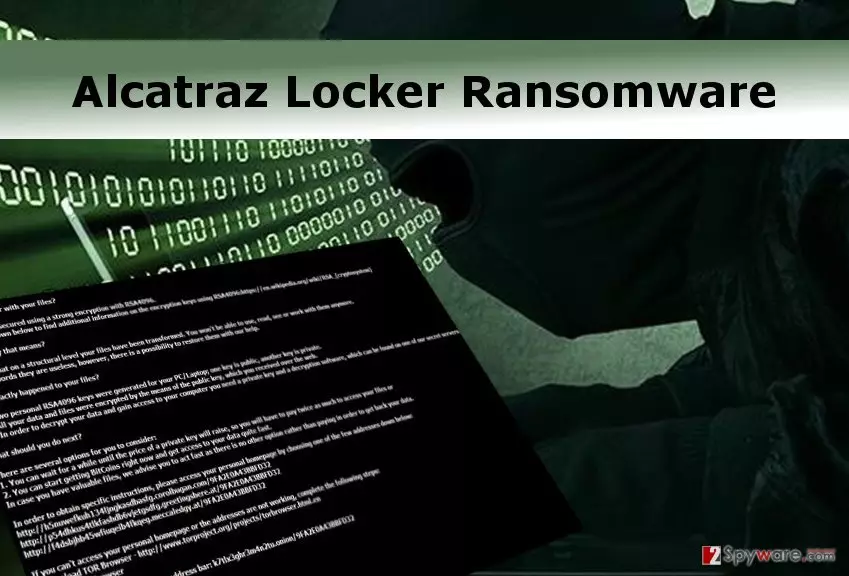
Malware researchers made an assumption that Alcatraz ransomware virus is still in development stage. However, it’s not a reason to underestimate it. It is still a file-encrypting virus that might use tricky distribution techniques to enter your computer and lock personal files. If you haven’t encountered ransomware, we recommend making data backup copies and store them in external devices. We do not want to scare you, but taking precautions are crucial nowadays. Alcatraz Locker ransomware uses sophisticated data encryption algorithm and appends .alcatraz file extension to each of your document, picture, audio or video file. All personal files become useless and terrified computer users often decide to follow cyber criminal’s instructions presented in the ransom note. After file encryption virus drops a ransom note which is available in several languages such as English, Spanish, Italian, French, German, etc. In the ransom note, hackers explain how Alcatraz Locker virus encrypts the files: it uses the public key for data encryption, and the private key is necessary for data decryption. Criminals are cold-hearted and do not provide a private key only from a good will. Victims have to pay 0.3 Bitcoins (almost $200) using Tor browser. What is interesting, hackers give a quite extended deadline for making a transaction. Victims have to transfer money within 30 days; usually, the time limit varies from 12 to 72 hours. Long deadline might be related to the assumption that virus is still in development. Besides, the payment website delivers as message “What are you doing here?”. Indeed, we want to ask you the same questions. Initiate Alcatraz Locker removal instead of considering paying the ransom.
Malware distribution techniques
The developers of the ransomware use various distribution methods. It’s already known that Alcatraz virus is distributed via Rig exploit kit. However, it might also be spreading via malicious email attachments or malware-laden ads. Ransomware type viruses are one of the most popular cyber threats, and they might be waiting for your one careless click. To protect your computer from Alcatraz Locker ransomware and other computer infections, you should follow these tips:
- Always double check the information about the sender when you consider opening an email attachment.
- Download and update programs from secure and reliable sources.
- Do not click misleading advertisements that offer questionable software downloads or warns about various computer-related issues.
- Do not browse on high-risk websites. These sites usually are gaming, gambling, and adult-themed Internet sites.
Additionally, install a strong antivirus program to strengthen your computer’s security. Do not forget to update it as well as other software installed on your PC.
Suggestions for Alcatraz Locker removal
File-encrypting viruses are complex and complicated computer infections, so they are almost impossible to remove manually. Do not even consider manual Alcatraz Locker removal! You might delete important files and keep malicious components; therefore, you can cause more damage to your computer. Ransomware should be eliminated using powerful malware removal tools. Remove Alcatraz Locker using FortectIntego, SpyHunterCombo Cleaner or MalwarebytesMalwarebytes. These programs are capable of eliminating malware quickly. Before starting virus elimination process, reboot your computer to Safe Mode with Networking.
Did this guide help?
3 comments
Addie
I thought I would never encounter a ransomware... I was wrong :/
Haley
Is a file decryption tool created yet?
Sheena
I cannot access antivirus program. Can I remove the virus without it?