

AntiSpywareMaster – a fake security tool that will leave your device unprotected
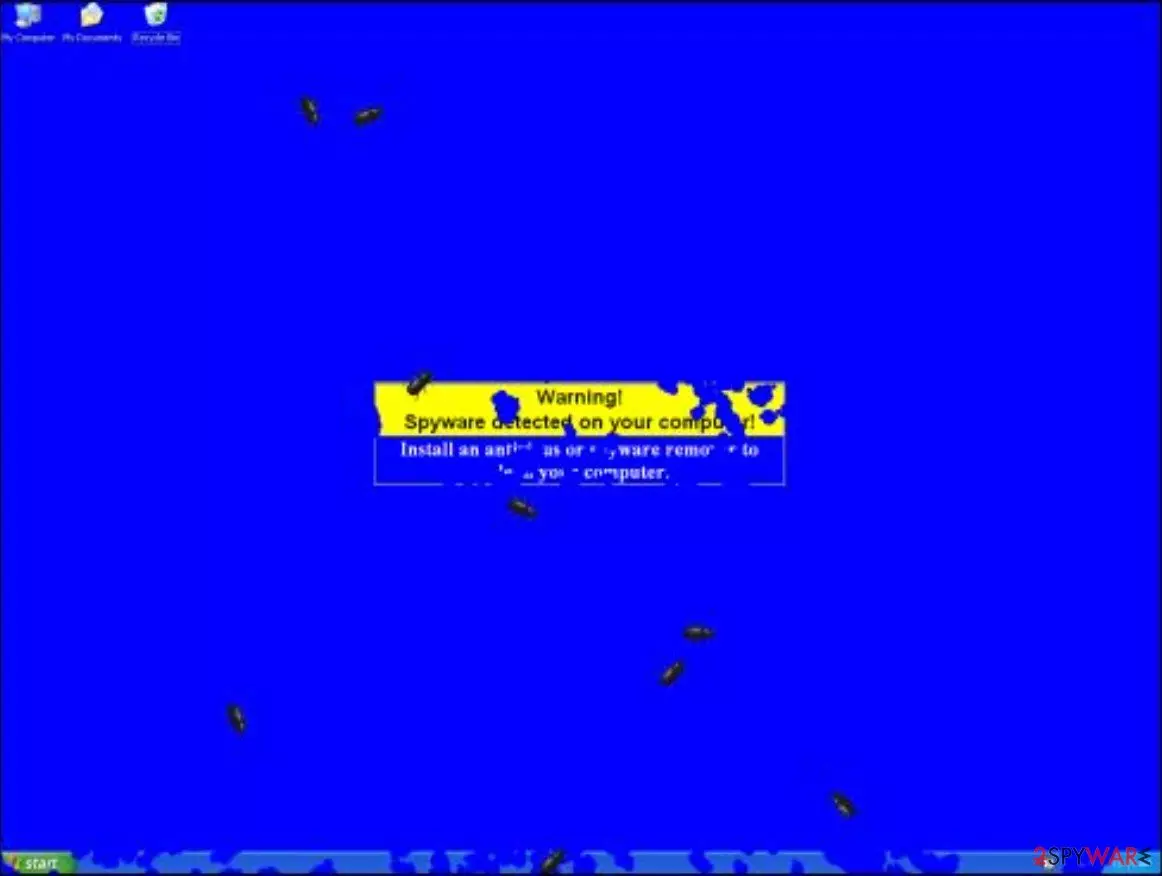
AntiSpywareMaster 7.3, a clone of AntispywareDeluxe, is another corrupt anti-spyware parasite. Essentially, it is a fake program designed to steal $30-$50 from users who are gullible enough to download and install it. Please do not do that, as this fake security tool will leave your Windows computer without protection.
Furthermore, it will show misleading, predetermined scan results and display tons of pop-ups with fake statements about infections on your device. Due to the fact that this program can get on your PC without your direct consent, it has been labeled as a potentially unwanted program and should be removed swiftly.
| name | AntiSpywareMaster 7.3 |
|---|---|
| Type | Rogue antispyware tool, PUP |
| Purpose | Trick people into purchasing its paid version by showing notifications of fake malware infections and predetermined scan results |
| Risks | Monetary losses, malware infections |
| Elimination | Remove this cyber threat by scanning your device with a reliable anti-malware software |
| System repair | Using the all-in-one FortectIntego system diagnostics tool will ensure a stable working environment |
Usually, AntiSpywareMaster 7.3 infects systems via misleading advertising on free download, warez, and porn websites. Other methods of infection include Trojans, browser security holes, software bundles, fake Flash Player updates, and similar sneaky techniques.
This fake anti-malware software uses falsified scan results to intimidate you into buying the fake full version. It displays exaggerated, fake results that state that your device has many viruses on it and that only the program's paid version is capable of removing them.
It will also irritate you by displaying various pop-ups that claim that the device is infected. One of these fake notifications look like this:
Warning! 29 suspicious files found! Potentially dangerous files were found on your system during the last scan! IT is highly recommended to remove them as soon as possible…
Remove Now!
AntiSpywareMaster 7.3 is a malicious program and should not be downloaded or bought. If you spot this fake security tool on your system, please scan it immediately with a time-proven anti-malware tool such as SpyHunterCombo Cleaner or MalwarebytesMalwarebytes to remove it along with all of its components.
Since this PUP could have done extensive damage to your system files and settings, you have to resolve these issues, or your device might freeze, crash, and display other system failures. We recommend entrusting this process to a well-known PC repair tool in FortectIntego.
PUPs can get on your PC via software bundles
Software bundles are usually downloaded from third-party software vendors that get additional income for spreading potentially unwanted programs. However, lately, legitimate program developers have also started using this sneaky technique to increase their revenue.
Thus you have to be careful when installing any new software and choose the Custom or Advanced modes. Only then will you be able to control what's installed on your device. Opt-out from installing any unknown, unnecessary, suspicious, or untrustworthy apps.
Remove AntiSpywareMaster virus from your Windows computer with proper anti-malware software
Our research has determined that AntiSpywareMaster removal isn't a very easy process as the fake security tool can't be found on the Add/Remove Programs list. That's why you have to remove it by scanning your device with a trustworthy anti-malware tool that will identify, locate, and delete the potentially unwanted program automatically.
After downloading and installing a proper AV tool, make a habit of scanning your device with it at least a couple of times per week. Also, please remember to constantly update its virus database with the latest signatures so it could stop malware at your doorstep.
Users have reported that AntiSpywareMaster fake antispyware tool does many alterations to system files and settings, which results in unstable device performance. Evade any abnormal system behavior by performing system diagnostics with time-tested PC repair software.
Uninstall from Windows
Uninstall from Windows 10/8:
- Type Control Panel into the Windows search box and open the result.
- Under Programs, select Uninstall a program.


Uninstall from Windows 7/XP:
- Click on Windows Start > Control Panel (Windows XP users should click on Add/Remove Programs).
- In Control Panel, select Programs > Uninstall a program.


Remove the unwanted program:
- In the Programs and Features window, look for any recently installed suspicious entries, select them, and click Uninstall.
- If User Account Control appears, click Yes to confirm, then complete the removal.


Did this guide help?
Be the first to comment