

Mini Dark forces people to use only selected channels for browsing which raises user privacy concerns
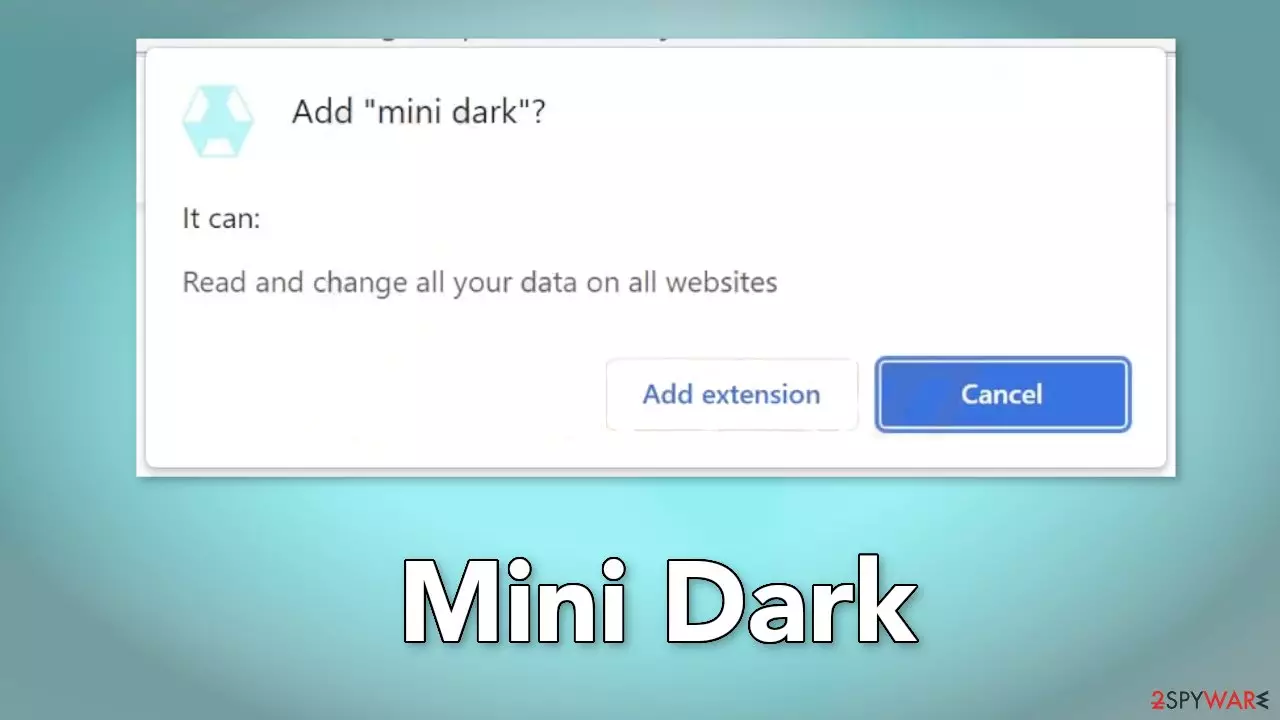
Mini Dark is a browser extension that claims to provide dark mode for web pages, however, it does not deliver. It is a browser hijacker that can change the main settings, like the homepage, new tab address, and search engine. It can also cause an increased amount of commercial content, like pop-ups, banners, and redirects.
The creators of such applications do not really care about user privacy or security, so they may use rogue advertising networks that place ads leading to dangerous websites. People may end up on sites that try to trick them into providing personal information, downloading PUPs (potentially unwanted programs),[1] or even malware.
| NAME | Mini Dark |
| TYPE | Browser hijacker; potentially unwanted program |
| SYMPTOMS | The main settings, like the homepage, new tab address, and search engine get changed; users can also experience redirects and pop-ups |
| DISTRIBUTION | Shady websites, deceptive ads, freeware installations |
| DANGERS | The extension can lead to misinformation and dangerous pages that may trick people into providing personal information or downloading PUPs and malware |
| ELIMINATION | Remove the plugin via browser settings |
| FURTHER STEPS | Use FortectIntego to clear your browsers and optimize the machine |
How did Mini Dark appear in my browser?
Browser hijackers usually get into the system through shady websites that use social engineering[2] tactics. You may come across sites that try to trick people into clicking the “Install” or “Download” button. Usually, crooks try to convince people that they need to install a browser extension to proceed or protect their system from viruses.
However, you should not download any applications from random pages on the Internet. If you want a browser plugin, use official web stores. You should still not forget to do your research – read the reviews, look at the ratings, and the number of users. It is best to choose those apps, that have plenty of positive feedback and thousands of users.
You should also read the description, and see if there are any grammar or spelling mistakes. If the answer is yes, that should raise suspicion, as professionals would not do such mistakes. Avoid claims that sound too good to be true because they probably are.

Avoid freeware distribution platforms
Infections, like browser hijackers, can also occur after the installation of freeware.[3] Freeware distribution platforms include additional programs in the installers to generate revenue. Unfortunately, not all of the bundled software is safe. Installers can include adware, hijackers, or even malicious programs.
Because of this, you should try to use official developer websites whenever you want to install software. You should also always choose the “Custom” or “Advanced” installation methods, read the Privacy Policy, and Terms of Use. The most important step is to check the file list and untick the boxes next to any unrelated apps.
Cookies can be a threat to your privacy
Before adding a plugin, you can also see that the application will be able to read your browsing history. Crooks can collect data like your IP address, geolocation, websites you visit, links you click on, and things you purchase online. Normally, this information is used to personalize the user experience, however, it can also be sold to advertising networks or other third parties.
That is why security experts recommend clearing your browsers regularly. You can always stop the tracking and delete the existing data collected by cookies[4] with a repair tool like FortectIntego. Besides, this powerful software can also fix various system errors, BSODs, corrupted files, and registry issues which is especially helpful after a virus infection.
Get rid of browser intruders
Generally, browser extensions are created to provide users some benefits, like masking the geolocation, blocking ads, and suspicious links, or automatically finding discount coupons while shopping online. People add them to make their browsers more functional and smart. However, you need to know how to remove them if something goes wrong.
You can remove browser add-ons by going to your settings. Find the list of extensions installed in your browser and remove Mini Dark. Learn how to do that in the guide below:



Did this guide help?
Be the first to comment