

SnakeEye ransomware is a virus developed by inexperienced hackers
SnakeEye virus is a file-encrypting program that belongs to ransomware[1] category. The main executable of this ransomware is called SATAN ENCRYPTED YOU.exe, and once run, it encrypts all files on a computer system, bypassing those stored in system folders to keep the computer running. The virus, which is developed by programmers who call themselves “SNAKE EYE SQUAD,” targets files with certain file extensions, for example, .pdf, .doc, .docm, rar, .mp3, .mp4, .avi, .wmv, .xls, and others. It changes these files on a structural level using a cryptographic cipher, and once modified, files can only be reversed to their initial state using a decryption key[2], which criminals remove from the computer and transfer to their servers. They seek to scare the victim and force him/her to pay a ransom – buy the decryption key from them. However, statistics show that even 20 percent of all victims who decide to pay ransom never receive the decryption key[3] and files remain locked forever. Therefore, we believe that you should never pay a ransom in case your files get encrypted by a ransomware type virus. 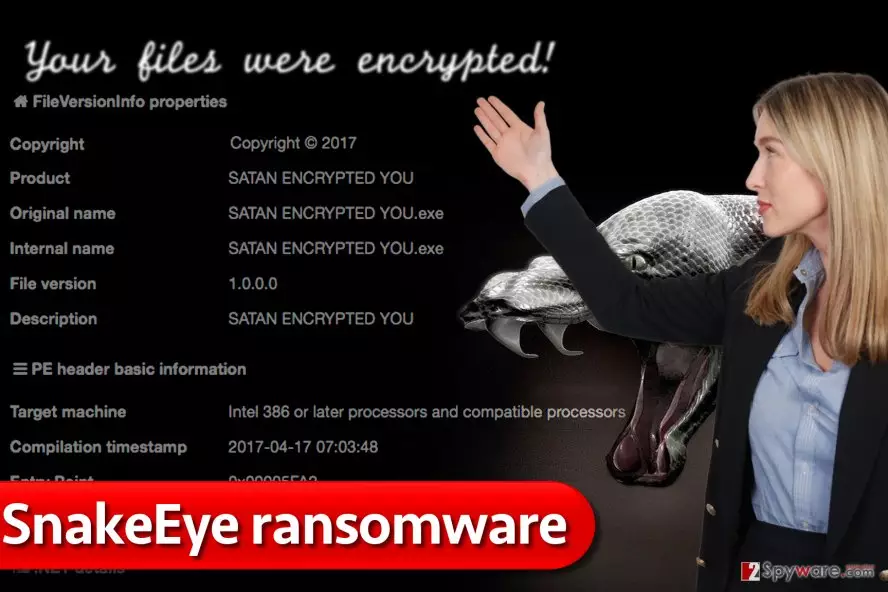
However, Snake Eye ransomware seems to be poorly programmed, and malware experts quickly invented an antidote to it. According to research, the virus is built using pieces of open-source ransomware codes[4] available online, and the whole virus operation isn’t obfuscated, so it was quite easy to create a free decryption tool. Researchers even titled the decrypter StupidDecrypter.exe since the virus is developed by script kiddies. Before using the decrypter, please remove SnakeEye from the system using trustworthy malware removers such as FortectIntego. If you think that you can delete the virus just like you uninstall any other typical computer program, you are wrong. Trying to uninstall the ransomware manually can lead to sad consequences, so we highly recommend you to leave SnakeEye removal task for an automatic virus removal software.
How did the ransomware reach my computer to encrypt all files on it?
Malicious programs known as ransomware are usually distributed via spam, malvertising[5], pirated software packs, torrent files, and exploit kits. There are many ways how they can infect your computer, so it is essential to know each of them and prepare your computer to survive these attacks. SnakeEye malware is usually proliferated via spam because it is the easiest technique to distribute it and of course it doesn’t demand high computing skills. If you were infected with this virus, most likely you recently opened a malicious email attachment or a link inserted in the message. Remember that ransomware distributors create convincing messages and add files that look like invoices, tax payments, subpoenas, resumes, and so on. Scammers might try to convince you to open a malicious link or attachment saying that they work at Amazon, Paypal, well-known telecommunication company or elsewhere, so inspect sender’s email address before opening it. To protect your PC from malvertising and exploit-kit based attacks, avoid clicking on random ads while browsing the Internet, do not visit shady websites and keep your anti-malware software up-to-date.
Easy way to remove SnakeEye ransomware from computer and decrypt your files
You can remove SnakeEye virus without having to call a computer technician for help if you read enough information on the Internet. Here, we will explain how to remove the ransomware using anti-malware software, because it is the easiest and fastest way to eliminate a computer virus. However, removing a ransom-demanding virus can be quite a challenge, so we suggest you reboot your PC into a Safe Mode with Networking first. Once you do that, run an anti-malware software for successful SnakeEye removal. After removing the malware, download and run the Snake Eye decryption tool (you will find the download link in data recovery instructions below).
Did this guide help?
4 comments
marthy
satan encrypted you.exe. what a creative name. damn, script kiddos, cant you do better?
xzibit
Ridiculous... who teaches those little scammers code? This ransomware is laughable. Snake Eye... LOL.
josh
the good thing is, victims can restore their files for free. Thats the best part.
Tamme
I was infected with this. Successfully restored all files. Thank you for the help!