

WiniFixer – rogue anti-spyware program that displays fake security warnings on your Windows PC
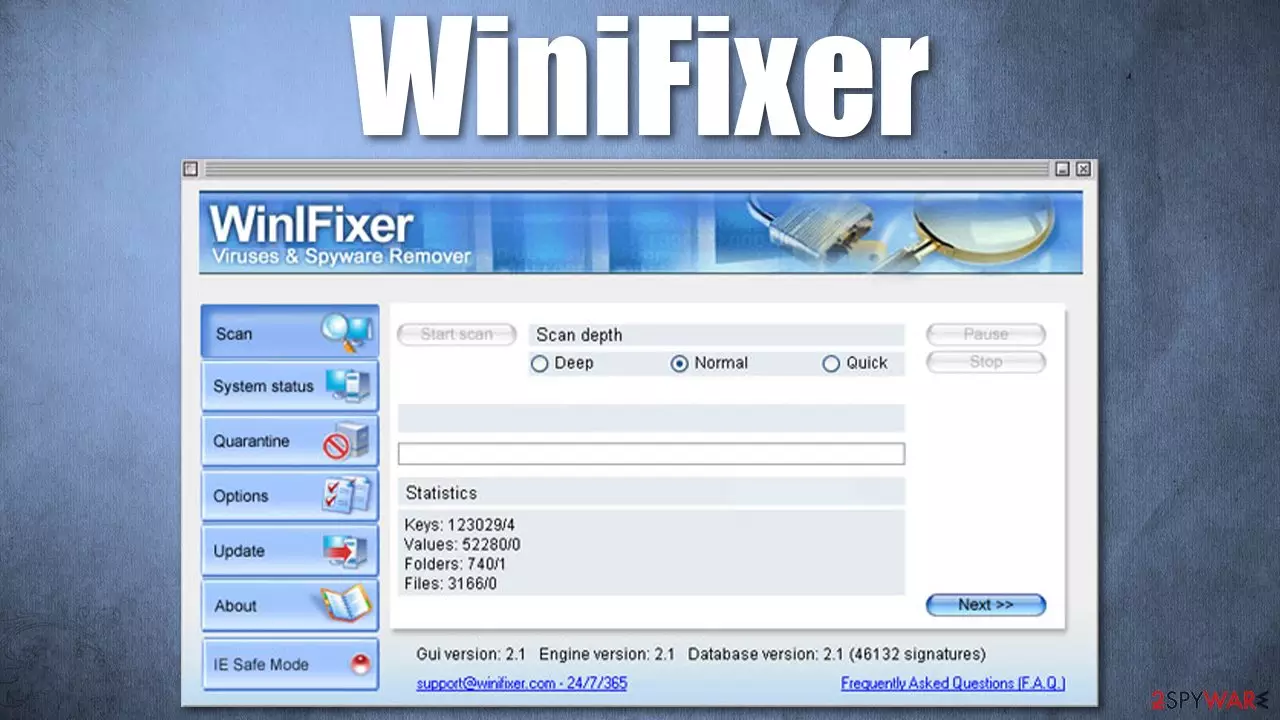
WiniFixer is yet another scareware app that pretends to be legitimate anti-malware software. In reality, it is nothing but a virus itself – software that should never be trusted to protect your computer from online threats. In most cases, the presence of this program indicates that a Trojan is already installed on your device, so a thorough investigation must be completed in order to clean your Windows properly.
During its operation, it will show you fake notifications about virus infection and try to make you pay for its license, which in reality does not exist. In other words, it is here to scam you out of your money which you are unlikely to get back.
| Name | WiniFixer |
| Type | Rogue anti-virus, scareware |
| Distribution | Trojans, software bundles, fake ads |
| Dangers | This rogue fails to protect your machine from malware and instead engages in dangerous activities itself. As a result, you might suffer from financial losses, install other malware or have to personal details stolen |
| Removal | While it is possible to uninstall the rogue manually, you should rather use SpyHunterCombo Cleaner antivirus to remove it fully |
| System fix | You can fix all virus damage automatically with FortectIntego repair tool |
WiniFixer virus uses aggressive distribution techniques, which means that it is commonly installed by users themselves with the help of fake prompts and deceptive ads. Here are a few distribution methods that could be used by its creators:
- Installed automatically with the help of software vulnerabilities
- Installed by an already present Trojan downloader, such as Vundo or Zlob
- Gets in as an optional component in a software bundle
- Uses fake notifications online which claim that a computer is infected with a virus that needs to be eliminated using this program.
Alternatively, some users might actually be looking for a security tool that could protect their devices from ransomware, adware, Trojans, and other malware. Unfortunately, this application will not only fail to protect you from parasites online but will perform malicious changes to your Windows system.
During its installation, malware will change the Windows registry in order to be launched with every system boot, among other modifications. Since the program is malicious, its main goal is to establish persistence on the device and prevent its easy removal by those infected.
Once installed, WiniFixer uses scare tactics (popups, fake system notifications) to convince users that they are infected with various parasites. In some cases, the detected “threats” are actually not malicious at all. For example, it can detect a legitimate anti-malware installer as a virus.
The app's main goal is to make users scared about the health of their devices and then make them purchase a fake license to allegedly remove the said threats. You should never trust the results of this program and never spend money on it, as your financial details might be stolen by cybercriminals.
You should use reputable anti-malware such as SpyHunterCombo Cleaner to delete this malicious program from your system. If you can't launch it, follow the instructions below to access Safe Mode. After this is done, don't forget to clean your web browsers and fix the damage done by WiniFixer – FortectIntego could help you with that.
Learn to avoid downloading fake anti-spyware tools
There are plenty of sophisticated and effective malware detection and removal tools, so it makes sense that sometimes it might be difficult to choose. This is one of the reasons why rogue anti-spyware software sparked in popularity, as people who are not very interested in computer security were tricked by various cybercriminals' traps.
Here are a few tips to avoid malicious programs in the future:
- Do not download pirated programs from torrent and similar sites
- Do not trust pop-ups or similar ads which claim that your system infected and needs cleaning
- Read some user reviews before your proceed with the installation of a program.
Once you have a trusted anti-malware installed on your system, Trojans and other malicious software will have a hard time entering it. However, you should still be very vigilant while browsing the web or opening emails, as online fraud is prevalent to this day.
Opt for a quick WiniFixer removal
Once the rogue is installed on your device, its functionality is greatly altered. In some cases, it might be difficult to remove WiniFixer due to that. If the program stops a legitimate anti-malware from being open, you should access Safe Mode with Networking and proceed from there. You will find details on how to look for malicious files manually below.
However, we highly recommend you rather remove the virus automatically instead, as you could easily delete useful Windows files by accident or leave some ruminants of malware intact. Thus, download and install SpyHunterCombo Cleaner security software, and then perform a full system scan – either in Safe Mode or normal mode. Besides, this method will allow you to delete all the other malware that could be present on your machine.
If malware managed to damage your system files, you should run a scan with FortectIntego recovery solution that can replace all the bad sectors on Windows that were previously damaged by a virus.
Did this guide help?
Be the first to comment