

Plus Darker is another browser hijacker that pretends it can provide dark mode
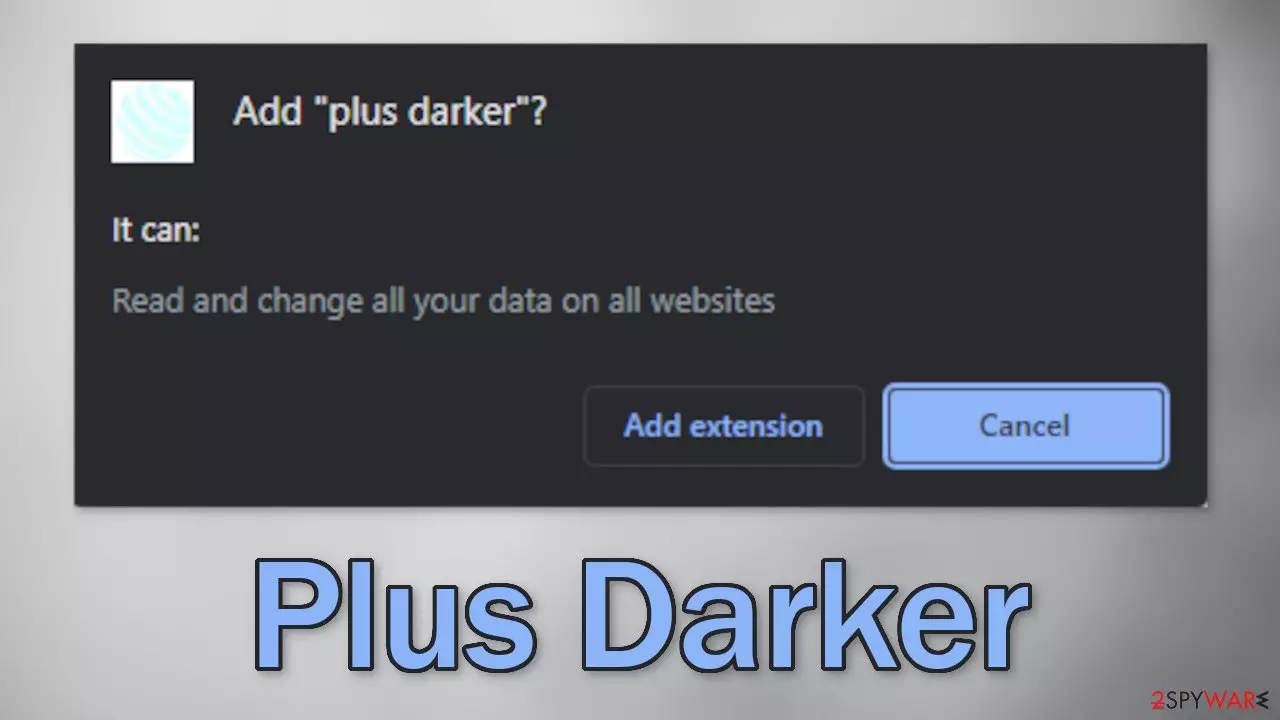
Plus Darker is a browser extension that hijacks the browser and changes the main settings, like the homepage, new tab address, and search engine. It can also increase the amount of commercial content, and display pop-ups, banners, and cause redirects. For users, it is promoted as a useful plugin:
plus darker provides dark mode for simple web pages
In reality, it does not provide any additional functions that are not available in a default browser. This app was created solely to monetize users' activity. this can be done by generating revenue from clicks on ads and collecting data about users' browsing habits.
People should remove the intruder immediately because it can lead to dangerous pages that use social engineering techniques to trick them into providing personal information, downloading PUPs (potentially unwanted programs),[1] and malware. Some hijackers have been known to redirect people to adult and gambling sites so you should follow our removal guide, especially if there are children using the affected machine.
| NAME | Plus Darker |
| TYPE | Browser hijacker; potentially unwanted program |
| SYMPTOMS | The main settings, like the homepage, new tab address, and search engine get changed |
| DISTRIBUTION | Shady websites, deceptive ads, freeware installations |
| DANGERS | The extension can lead to misinformation and dangerous pages that may trick people into providing personal information or downloading PUPs and malware |
| ELIMINATION | Remove the plugin via browser settings |
| FURTHER STEPS | Use FortectIntego to clear your browsers and optimize the machine |
Distribution tactics
Browser hijackers are spread in various ways. This particular one, Plus Darker, was found on the chrome web store. Although it is rare, browser hijackers sometimes slip through the extensive review process. People should always do their research before downloading anything.
Look at the reviews, ratings, and the number of users. We previously wrote about hijackers by the names of Page Darker, Point Dark, and One Dark. They all have similar logos, names and claim to provide the same function. You should choose those add-ons that have plenty of feedback about them.
Of course, some people also install such add-ons from shady websites. They use deceptive messages to convince users to click the “Download” button. You may come across messages like “Recommended by Chrome” or claims that the extension was created in collaboration with a big tech company like Google. These are the steps that crooks take in order to appear legitimate and trustworthy.
You should also be wary of freeware[2] distribution platforms. Often, they include additional programs[3] in the installers that monetize user activity, like browser hijackers, and do not disclose it clearly. Such programs are sometimes also called adware. To prevent this from happening, we recommend not using these platforms, together with torrent, and peer-to-peer file-sharing websites.
You can also take certain steps to minimize the risk of PUAs entering your system during the installation process. Always choose the “Custom” or “Advanced” installation methods, read the Privacy Policy and Terms of Use to find out more about how the program will use your data. The most important part is to check the file list and untick the boxes next to any unrelated files to prevent them from installing.
Get rid of browser intruders
Generally, browser extensions are created to provide users some benefits, like masking the geolocation, blocking ads, and suspicious links, or automatically finding discount coupons while shopping online. People add them to make their browsers more functional and smart. However, you need to know how to remove them if something goes wrong.
Before adding a plugin, you can also see that the application will be able to read your browsing history. Crooks can collect data like your IP address, geolocation, websites you visit, links you click on, and things you purchase online. You can always stop the tracking and delete the existing data collected by cookies with a repair tool like FortectIntego.
You can remove browser add-ons by going to your settings. Find the list of extensions installed in your browser and remove Plus Darker. We show you how to do that in the guide below:



Did this guide help?
Be the first to comment