

What lies behind GX40?
GX40 virus is another malware from the recent string of ransomware infections[1]. The ransom note suggests that this infection is the misdeed of teenage hackers. However, this malware is still able to encrypt files and append .encrypted file extension your files. Luckily, this cyber infection is suspected to be still under development as it only targets desktop files. As common for this type of infection, it frightens users with alerts not to take any extra measures but instead pay the ransom and supposedly receive the decryption key. Instead of considering the payments, instead, focus on GX40 removal.
Luckily, this malware targets only the desktop files. Regarding some of the alternative names by which the ransomware is detected, it seems to have been created on the basis of HiddenTear ransomware. Despite similar beta-version crypto-malware, the malware still performs its function. It alarms victims to pay the ransom within 2 days[2]. In exchange for the files, the hackers demand 80 dollars. However, in the following provisions, the fraudsters indicate the 7-day period for receiving payment. If a victim fails to make the transaction within that period, the decryption key will be deleted. In either case, even if you transmit the money, there are no extra guarantees that you will succeed in retrieving undamaged files. Considering the fact that this malware is still under development[3], the virus researchers might come with a decryption key. This is the key argument for you to remove GX40 virus. In addition, let us warn you not to purchase any GX40 decryption software promoted by the hackers. While you may succeed in decrypting the files, the software may drop fraudulent elements on the system which later on serve to accelerate the hijack.
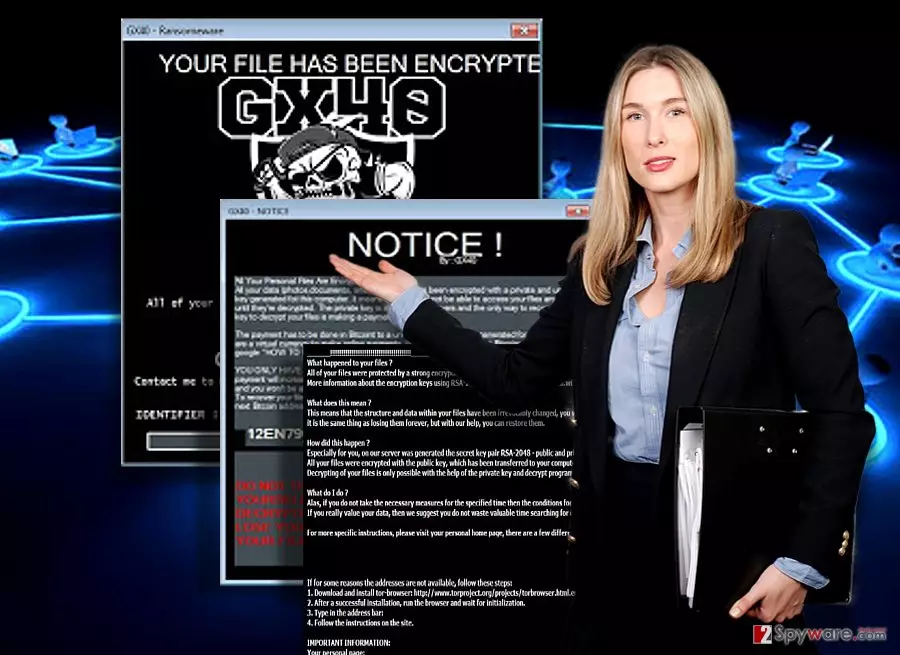
The distribution tendencies of the malware
It spreads in the trojanized form of the malware. Fortunately, GX40 malware is already detected by several anti-virus utilities: Gen:Heur.Ransom.HiddenTears.1, Ransom_CRYPTEAR.SM, Win32.Trojan-Ransom.Filecoder.P@gen. Regarding the latter, it refers to another ransomware – FileCoder virus. These infections seem to be a single-time crypto-malware. Nonetheless, the overall activity reminds the virtual community to be nonetheless even more cautious. The phenomenon of “educational’ ransomware only boosts the number of new infections as they help even crooks with little knowledge release their own file-encrypting virus into the wild. In addition, you should beware of spam emails. Despite constant warnings, users still fail for the felons’ hook and recklessly open the attachments bearing the infection. Thus, do not give in to your curiosity and verify the sender before opening shady added files and evade not only Gx40 hijack but other severe ransomware as well. In addition, make sure you download updates for important applications in official websites. Fake Skype and Adobe Flash Player updates constantly happen to be the cover for hackers to disguise their malware[4].
Terminating Gx40 ransomware
You can remove Gx40 virus automatically by launching the system scan with FortectIntego or MalwarebytesMalwarebytes. It is of key importance for them to be updated. Though this malware does not seem very sophisticated, it is still likely to lock your computer screen. You will need to launch your computer in Safe Mode and start the scan. Note that such application does not decrypt files. That is why you will need to opt for alternative solutions to retrieve the files. There is no Gx40 Decrypter released yet, thus do not rely on third-party applications. Note that mobile devices are becoming frequent targets for ransomware hackers as well[5]. That is why you need to secure your smartphone with proper security application.
Did this guide help?
2 comments
WoodsL
Again brats?!
GillHernon
Is it a one-day virus? Does anyone have the decryption code?