

Pozq ransomware can lock users' data and cause serious damage to the operating system
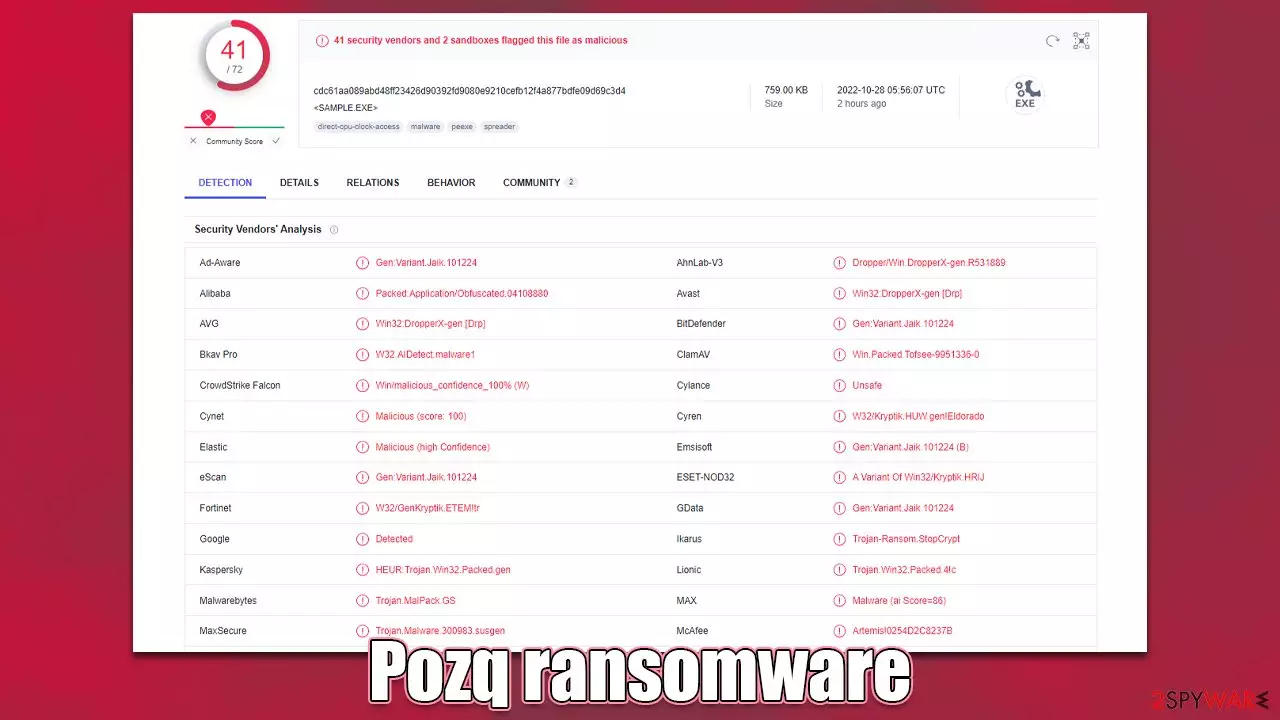
Pozq ransomware is a file-locking virus that belongs to the Djvu ransomware family. It uses complicated encryption[1] algorithms to lock users' personal files, such as photos, videos, and documents. When the data is locked, it is used as a bargaining tool to extract money from innocent victims.
Each file is appended with the .pozq extension, and the icons are changed to blank pages, so thumbnails become unavailable. Encrypted data is impossible to open, and there is often no other way to recover files without the cybercriminals' help.
This particular malware is also damaging to the operating system itself. It is capable of injecting the machine with other threats or even altering system settings. That is why the removal process can be complicated. It is best to take action as soon as possible and remove the intruder immediately.
| NAME | Pozq ransomware |
| TYPE | File locker, crypto virus |
| FILE MARKER | .pozq |
| FAMILY | STOP file virus/ Djvu ransomware |
| CONTACT EMAILS | support@fishmail.top, datarestorehelp@airmail.cc |
| RANSOM NOTE | _readme.txt |
| RANSOM AMOUNT | $490/$980 |
| THREAT REMOVAL | Anti-malware tools help with thorough system cleaning and virus removal |
| REPAIR | FortectIntego and other PC tools can help to solve issues related to virus damage |
The ransom note
After the virus infiltrates the system, it drops a ransom note, _readme.txt, in various folders. The full message reads as follows:
ATTENTION!
Don't worry, you can return all your files!
All your files like pictures, databases, documents and other important are encrypted with strongest encryption and unique key.
The only method of recovering files is to purchase decrypt tool and unique key for you.
This software will decrypt all your encrypted files.
What guarantees you have?
You can send one of your encrypted file from your PC and we decrypt it for free.
But we can decrypt only 1 file for free. File must not contain valuable information.
You can get and look video overview decrypt tool:
hxxps://we.tl/t-2gP6wwZcZ9
Price of private key and decrypt software is $980.
Discount 50% available if you contact us first 72 hours, that's price for you is $490.
Please note that you'll never restore your data without payment.
Check your e-mail “Spam” or “Junk” folder if you don't get answer more than 6 hours.To get this software you need write on our e-mail:
support@fishmail.topReserve e-mail address to contact us:
datarestorehelp@airmail.cc
Cybercriminals inform victims that their files were encrypted. They can only be unlocked with a unique key.[2] The asking price for the decryption tool is $490 in the first 72 hours. After that, it doubles and becomes $980. Users can send 1 file for free decryption, however, it cannot contain any valuable data.

This is done in order to appear trustworthy. However, we strongly recommend against contacting the threat actors because they cannot be trusted. Many previous ransomware attack victims never receive the promised decryption keys after paying the ransom.
Although it is almost impossible to decrypt files without the unique key, it is not worth the risk of paying so much money. There is a third-party recovery option that helps in some cases. We provided instructions on how to use it in this guide.
Decryption possibilities
Pozq ransomware has more than 500 variants. New versions are released almost weekly. Some versions get improved and become no longer decryptable. If your computer got infected with one of the Djvu variants, you should try using Emsisoft decryptor for Djvu/STOP.
The recovery software will only work if data was locked with an offline ID due to malware failing to communicate with its remote servers. The way that it works is by getting the offline key from one of the victims that paid the cybercriminals. The victims should willingly share the key with security researchers at Emsisoft.
As a result, you might not be able to restore the encrypted files immediately. Thus, if the decryptor says your data was locked with an offline ID but cannot be recovered currently, you should try later. You also need to upload a set of files – one encrypted and a healthy one to the company's servers before you proceed.
- Download the app from the official Emsisoft website.
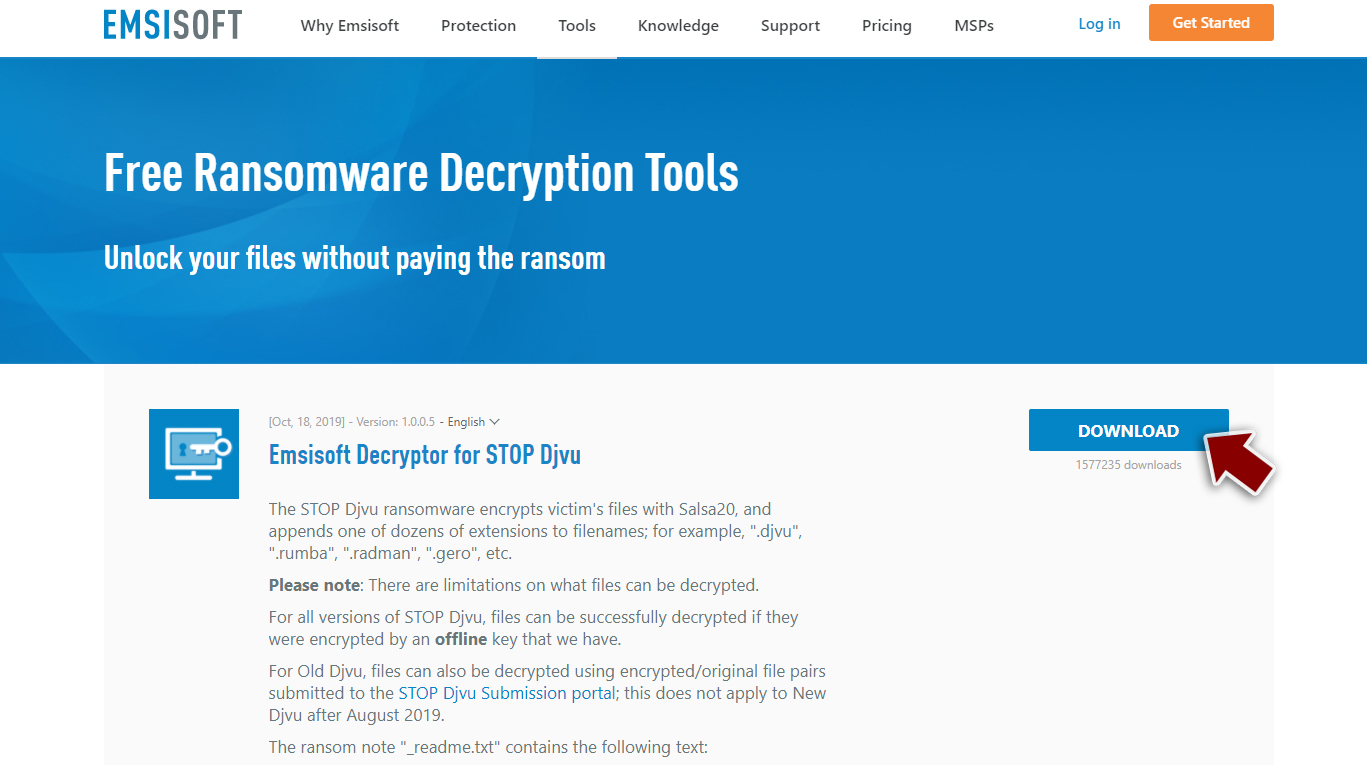
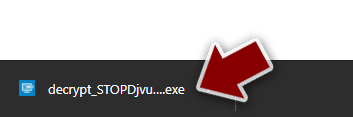
- After pressing Download button, a small pop-up at the bottom, titled decrypt_STOPDjvu.exe should show up – click it.
- If User Account Control (UAC) message shows up, press Yes.
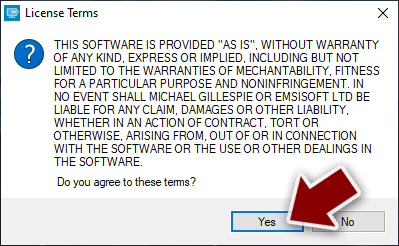
- Agree to License Terms by pressing Yes.
- After Disclaimer shows up, press OK.
- The tool should automatically populate the affected folders, although you can also do it by pressing Add folder at the bottom.

- Press Decrypt.



From here, there are three available outcomes:
- “Decrypted!” will be shown under files that were decrypted successfully – they are now usable again.
- “Error: Unable to decrypt file with ID:” means that the keys for this version of the virus have not yet been retrieved, so you should try later.
- “This ID appears to be an online ID, decryption is impossible” – you are unable to decrypt files with this tool.
Ransomware elimination
If you are a victim of ransomware, you should employ anti-malware software for its removal. Some ransomware can self-destruct after the file encryption process is finished. Even in such cases, malware might leave various data-stealing modules or could operate in conjunction with other malicious programs on your device.
SpyHunterCombo Cleaner or MalwarebytesMalwarebytes can detect and eliminate all ransomware-related files, additional modules, along with other viruses that could be hiding on your system. The security software is really easy to use and does not require any prior IT knowledge to succeed in the malware removal process.
Scanning the computer with a security tool or AV detection engine indicates all malicious files and programs like ransomware and Trojans. However, you should keep in mind that getting rid of malicious files does not recover data. It can only be decrypted with a unique key.
Nonetheless, you should still get rid of Pozq ransomware immediately, as it can cause other malware infections and serious system damage. As time goes on, the threat can become more difficult to remove because of various persistence techniques.
System recovery
Once a computer is infected with malware, its system is changed to operate differently. For example, an infection can alter the Windows registry database, damage vital bootup and other sections, delete or corrupt DLL files,[3] etc. Once a system file is damaged by malware, antivirus software is not capable of doing anything about it, leaving it just the way it is. Consequently, users might experience performance, stability, and usability issues, to the point where a full Windows reinstall is required.
Therefore, we highly recommend using a one-of-a-kind, patented technology of FortectIntego repair. Not only can it fix virus damage after the infection, but it is also capable of removing malware that has already broken into the system thanks to several engines used by the program. Besides, the application is also capable of fixing various Windows-related issues that are not caused by malware infections, for example, Blue Screen errors, freezes, registry errors, damaged DLLs, etc.
- Download the application by clicking on the link above
- Click on the ReimageRepair.exe

- If User Account Control (UAC) shows up, select Yes
- Press Install and wait till the program finishes the installation process

- The analysis of your machine will begin immediately

- Once complete, check the results – they will be listed in the Summary
- You can now click on each of the issues and fix them manually
- If you see many problems that you find difficult to fix, we recommend you purchase the license and fix them automatically.



Did this guide help?
Be the first to comment