

Cybercriminals target WeChat users seeking for their money and valuable personal information
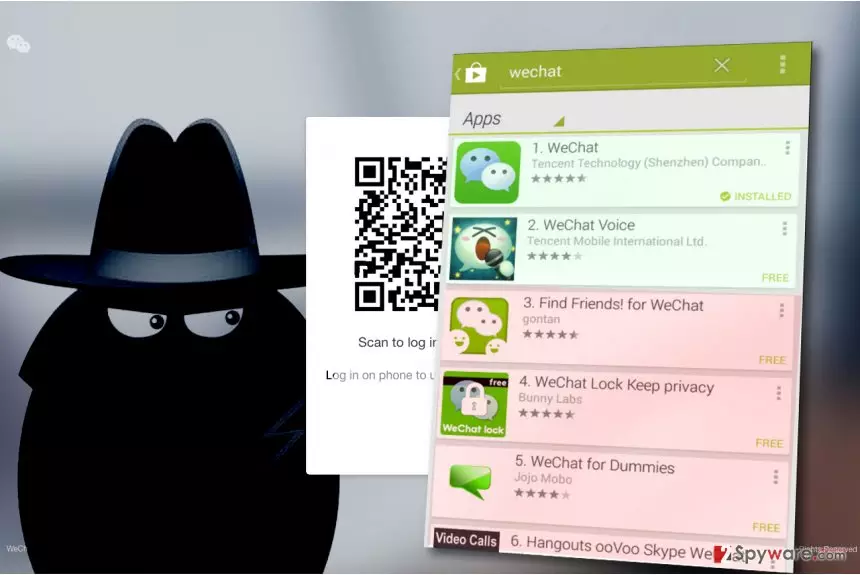
WeChat virus is a generic term used to describe various malware variants distributed via a legitimate instant messaging software. Criminals often attempt to send malicious links to potential victims via various instant messaging applications and lure them into compromised or phishing websites with an intention to swindle money or personal information.
WeChat by Tencent, Ltd. is one of the most popular instant messaging applications. It scores more than 889 million monthly active users (based on ChinaChannel report) and it dominates in China[1]. It is also known as Weixin, and it was first launched in 2011.
Viruses and scams spread through this communication platform cannot be associated with the official developer of it. WeChat/Weixin, just like Facebook, Whatsapp, Viber, Gmail or eBay are just popular communication tools that allow scammers to hunt for potential victims, deceive them and hack their accounts or convince them to install dangerous viruses.
There is one particular “virus” that we would like to point out. Back in January 2016, Tencent published a web page called “The Story of Me and WeChat,” which allowed users see an overview of their activities using the app, some statistics, and similar information.
However, shortly enough rumors started spreading[2], saying that the website is compromised and visiting it makes all victim’s money from Alipay’s account disappear. Tencent has confirmed that these messages were a scam and that the website was entirely safe to visit.
The messaging app was also compromised by a severe attack against App Store in September 2015. The attackers created a fake copy of Xcode, a program used to build iOS apps. The counterfeit copy was dubbed XcodeGhost[3]. It allowed attackers use created apps to steal private information about victims and transmit it to criminals’ servers. One of the infected applications was WeChat. Tencent revealed that only 6.2.5 version was compromised.
The App Store has removed counterfeit software and made sure that app developers are using the right version of Xcode.

Tips on how to keep your account secure:
- To keep scammers away and continue using this popular messaging app without worries, do not add strangers;
- Connect your account to a trustworthy email or mobile to be able to recover your account in case you lose your phone or if it gets stolen;
- If someone asks you for money via this instant messaging app, do not trust them. Even if it is someone you know, call them and ask them whether the money-asking message came from them;
- Never provide personal details via the social messaging platform, especially to strangers;
- Keep your Weixin password private;
- Never click on links sent by strangers, even if they promise you enormous discounts on popular web stores, freebies, coupons or free services. You can be lured into malicious or fraudulent websites. If you use WeChat for the web, you can even infect your computer with ransomware or trojans!
Distribution of WeChat viruses
WeChat applications are available for Windows PC, Mac, iPhone and Android phone users. We recommend downloading the software only from its official developer's site, www.wechat.com. Do not trust any other sites and never agree to download the software from them because they can attempt to bundle additional software with your chosen program and force you to install it.
Having a legitimate app won’t protect you from scammers that attempt to deceive victims by sending convincing messages to them. However, if you follow the tips we provided, you should be fine. Use secure passwords, never disclose them to anyone, don’t add strangers and never open suspicious URLs sent by strangers or even your relatives.
Remove WeChat virus
If you suspect that your computer or mobile device was compromised, it is a must to remove WeChat malware immediately. For that, we recommend using anti-spyware or anti-malware apps like FortectIntego. If you are using Mac, consider trying MalwarebytesMalwarebytes software.
The guidelines provided below the article are designed for Windows users who accidentally infected their computers with malware while using the web version of the instant messaging app. In case your Android device was compromised, we recommend checking these Android virus removal guidelines.
Did this guide help?
Be the first to comment