

Hermes ransomware is a crypto-malware used in Lazarus hacking campaigns
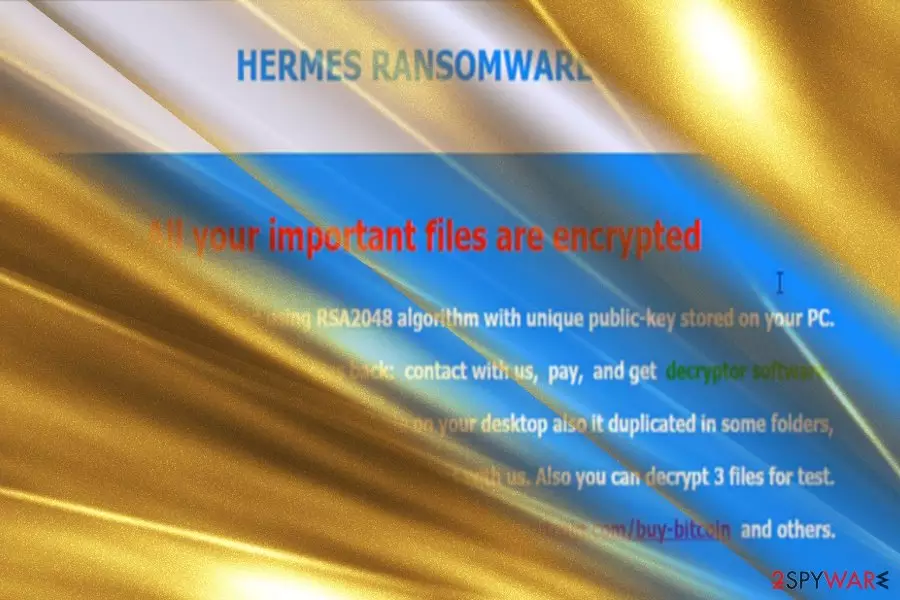
Hermes ransomware is a file locking threat[1] that was first spotted in the wild in February 2017 and is highly associated with cyber criminal[2] group Lazarus. Since its initial release, Hermes 2.0 and Hermes 2.1 variants surfaced, although all versions avoid infecting Russian, Ukrainian and Belarusian netizens.
The initial Hermes ransomware does not append an extension to the file, although it does alter its structure of the file code by attaching HERMES at the end of the string (nevertheless, later variants do mark data with .HRM extension). This process is done with the help of AES-256 and RSA-2048[3] ciphers.
As soon as Hermes locks pictures, videos, documents, databases, and other data, it drops two ransom notes – DECRYPT_INFO.txt, as well as DECRYPT_INFORMATION.html. These messages from hackers inform victims that they need to write an email to BM-2cXfK4B5W9nvci7dYxUhuHYZSmJZ9zibwH@bitmessage.ch or x2486@india.com email address to find out the redemption price, which is paid in Bitcoin or another cryptocurrency.
Additionally, users are also provided UNIQUE_ID_DO_NOT_REMOVE identicator they need to forward to the attackers. Nevertheless, the initial version of the virus is decryptable, so all users have to do is remove Hermes ransomware from their devices and then recover all the data back for free.
In 2018, researchers spotted Hermes 2.1 ransomware being spread with the help of CVE-2018-4878 Flash player vulnerability in the malspam campaigns.[4] In 2019, HermesVirus HT ransomware, which is based on Marozka virus, was found using .Hermes file extension, although these two strings are not related in any way.
| Name | Hermes |
| Type | Ransomware |
| Variants | Hermes 2.0, Hermes 2.1 |
| Hacking group | Lazarus |
| Ciphers | AES-256 and RSA-2048 |
| File extension | None |
| Related files | hermes.exe, reload.exe, system_.bat, shade.bat, shade.vbs |
| Ransom note | DECRYPT_INFO.txt, DECRYPT_INFORMATION.html |
| Contact | BM-2cXfK4B5W9nvci7dYxUhuHYZSmJZ9zibwH@bitmessage.ch, x2486@india.com |
| Decryptable? | Yes. Use decryptor [download link] developed by Michael Gillespie |
| Removal | Employ security software such as FortectIntego or SpyHunterCombo Cleaner |
Besides using exploits, Hermes ransomware can be delivered using the following tactics:
- Spam emails;
- Fake updates;
- Hacked sites;
- Web injects;
- Brute-forcing;
- Software cracks, etc.
Interestingly, specialists have unraveled evidence suggesting that the malware might have originated from North Korea. The infamous hackers' group Lazarus[5], associated with this country, is said to have exploited the ransomware to hide tracks of the attack on Far Eastern International Bank (FEIB) located in Taiwan.[6]
If hijack process is successful, Hermes virus encodes data on the computer using encryption algorithms – the procedure lasts only a few minutes. As a result, all affected data becomes inaccessible to the owners, and the only way to retrieve files is by employ specific decryption tools developed by hackers.
However, many computer users are used to computer slowdowns and do not pay attention to them unless they last for a very long time. Once the virus finished its dirty work, it puts some information in a .html file called DECRYPT_INFORMATION.html and also creates a UNIQUE_ID_DO_NOT_REMOVE file on the desktop.

Fraudsters say that the victim can test the decryption tool by sending three files as well as unique victim's ID to criminals via email provided in the ransom note – x2486@india.com. If you have been attacked by this particular Hermes ransomware, please do not panic and wait until malware analysts analyze the sample of this virus.
It turns out that this ransomware has a flaw that allows to find out what the decryption key is, based on the encryption key. Cybersecurity researcher Michael Gillespie managed to create an official decryption tool, allowing to recover all the locked files for free. Please refer to the bottom section of this article for more details.
Before you proceed with file recovery, you need to make sure that Hermes ransomware removal is performed successfully. To do that, enter Safe Mode with Networking and perform a full system scan with the help of the anti-malware program, such as FortectIntego or SpyHunterCombo Cleaner.
Other variations
Hermes 2.0 ransomware was released in April. It employs RSA-2048 cipher to encode data. After the process is finished, it launches DECRYPT_INFORMATION.html file which displays the message that all users data has been encoded. In order to retrieve the files, they are urged to pay the ransom in bitcoins and acquire Hermes 2.0 decryptor software. It also provides two single-use email addresses for victims in case they encounter technical difficulties. This version deletes shadow volume copies.
Hermes 2.1 ransomware continues the tradition of deleting the latter copies. The ransom note is identical to the previous version except the title now mentions “Hermes 2.1 ransomware.” It also drops the file named the same way as the former version – UNIQUE_ID_DO_NOT_REMOVE file which contains victim's ID.
This version also provides two newly generated email addresses: BM-2cTSTDcCD5cNqQ5Ugx4US7momFtBynwdgJ@bitmessage.ch and BM-2cT72URgs1AWGV6Wy6KBu2yuj3ychN5vxC@bitmessage.ch. This latest version also includes a code launching the mp3 file which plays Vivaldi's Spring composition.

Ways to prevent ransomware attack
Ransomware viruses are spread using a number of techniques such as malvertising, spam emails, social engineering, pirated software bundles and so on[7]. You can get the virus after opening an infected email attachment, link sent by an unknown person or even your friend on social media sites, or after installing a software crack.
Scammers find more and more ways to deceive victims on a daily basis, and it can be hard to keep up with the latest malware distribution trends all time.
To avoid ransomware, we simply advise you to stay away from suspicious content online[8] and protect your PC with proper security tools such as anti-malware and antivirus. The most important thing is to get yourself covered in time and create some data backups prior to malware infection.
Hermes termination options
If you have discovered Hermes virus on your system, we suggest removing it as soon as possible. It seems that you have already done a little digging and consequently you came across this website for information about Hermes removal – that is a good start. We provide instructions on how to remove Hermes ransomware down below.
Please do not attempt to delete this malicious virus by yourself because you can easily delete important files, which would result in various computer stability problems.
Did this guide help?
4 comments
Kayla
Funny ransomware name. Hermes. Whats the decryption code?
Morril
Everybody gets different decryption keys. Only yours can decrypt files. I hope youre not planning to pay the ransom?
Steel_9
i was trying tp delete Hermes by my antivirus keeps crashing down why the hell this is happening to me??
amanda
have you rebooted your PC in Safe Mode with Networking?