
Minecraft Skin Malware in 2026: Are Skins Safe?
Minecraft skin malware in 2026: the short answer
Skin files themselves are a small risk today. After the 2018 incident, Mojang changed its skin upload so that only the image data is kept and everything else is stripped out.[4] The danger moved elsewhere. In 2026 the main threat to Minecraft players is malware hidden in fake mods, cheat clients and launchers that steal passwords, Discord tokens and Minecraft accounts.[6][8]
So if you are asking whether a Minecraft skin can be a virus, the honest answer is that a plain PNG skin from a trusted site is very unlikely to harm you. A file that only looks like a skin pack, but arrives as an EXE, JAR or ZIP with a program inside, is a different story.
| Question | Answer |
|---|---|
| What happened in 2018 | Malicious code was added to skin files uploaded to the official site; about 50,000 accounts downloaded them[3][4] |
| How Mojang responded | Skin uploads now keep only the image data[4] |
| Main risk in 2026 | Fake mods, clients and launchers carrying information stealers[6][8] |
| What attackers steal | Minecraft and Discord tokens, browser passwords, crypto wallets[6][7] |
| Largest recent campaign | WeedHack, active since January 2026, with 116,464 logged victims according to McAfee[8] |
| Is a plain PNG skin dangerous | Very unlikely; programs disguised as skins are the danger |
Timeline: from poisoned skins to stealer mods
| Date | Event |
|---|---|
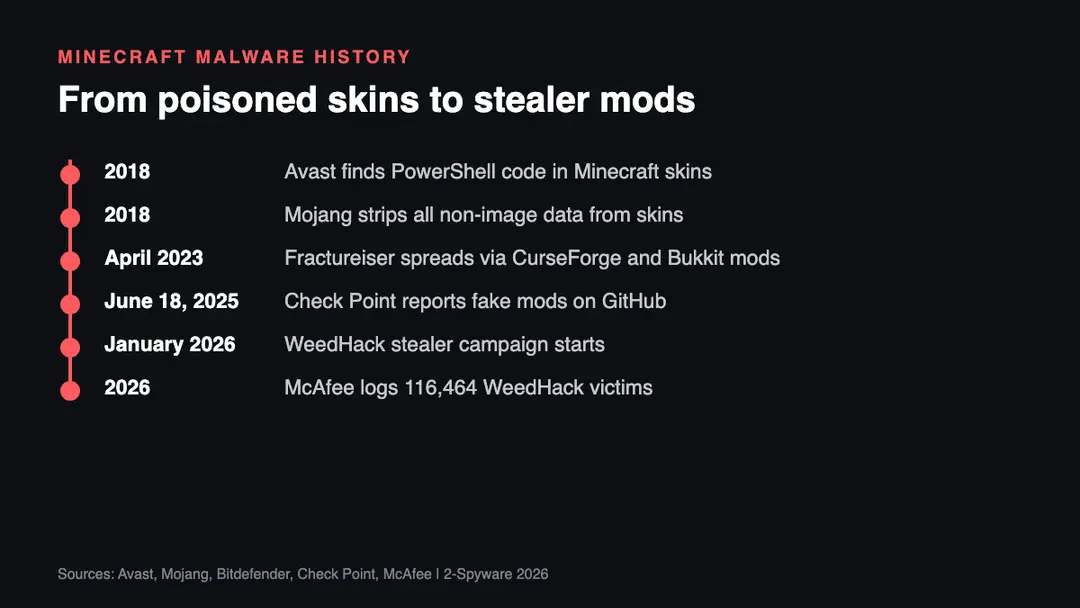
| 2018 | Avast reports malicious code in modified skins and blocks 14,500 infection attempts in ten days[3] |
| 2018 | Mojang deploys an update that strips everything except image data from skins[4] |
| April 2023 | Fractureiser infects mods on CurseForge and Bukkit, hitting Windows and Linux[7] |
| June 18, 2025 | Check Point reports fake Minecraft mods spread through the Stargazers Ghost Network on GitHub[6] |
| January 2026 | The WeedHack campaign becomes active[8] |
| 2026 | McAfee counts 116,464 logged WeedHack victims and about 2,000 to 3,000 new infections a day[8] |
What changed since 2018
The 2018 attack was crude. Avast described a PowerShell script that looked like the work of an amateur, and it mainly tried to damage the computer.[3] Recent Minecraft malware is built to make money. It steals data quietly and sends it to the attacker instead of announcing itself with rude messages.
In 2023 the Fractureiser malware got into mods hosted on CurseForge and Bukkit. Bitdefender found it stole Minecraft and Discord tokens, browser cookies and saved logins, and swapped crypto wallet addresses.[7] In June 2025 Check Point described fake mods named after cheat clients such as Oringo and Taunahi. They were spread through fake GitHub repositories and dropped a stealer that also took VPN, Steam and wallet data.[6]
In 2026 McAfee reported WeedHack, a stealer sold as a service with a free tier and a premium plan. It targets Minecraft players worldwide, with the United States most affected, followed by Germany, India, the UK and Italy.[8] The pattern is clear: the bait is no longer a skin, it is a cheat, a client or a free premium tool.
Risks and scams around Minecraft downloads
This list is our analysis of the patterns described in the reports above.
- Fake cheat clients and hacked clients. Many stealer campaigns name their files after popular cheat clients, because players expect such files to trigger antivirus warnings.[6]
- Instructions to turn off antivirus. McAfee lists this as a red flag; a real mod never needs it.[8]
- Download links in YouTube comments or video descriptions. McAfee advises treating them as a warning sign.[8]
- Skin packs that come as programs. A real skin is a small PNG image. An EXE file or installer sold as a skin pack is suspicious.
- Discord account theft. Stolen Discord tokens let attackers message your friends with the same fake download.[6][7]
- Free premium account offers. Promises of free Minecraft accounts or capes are a common lure for phishing pages.
How to download Minecraft skins and mods safely
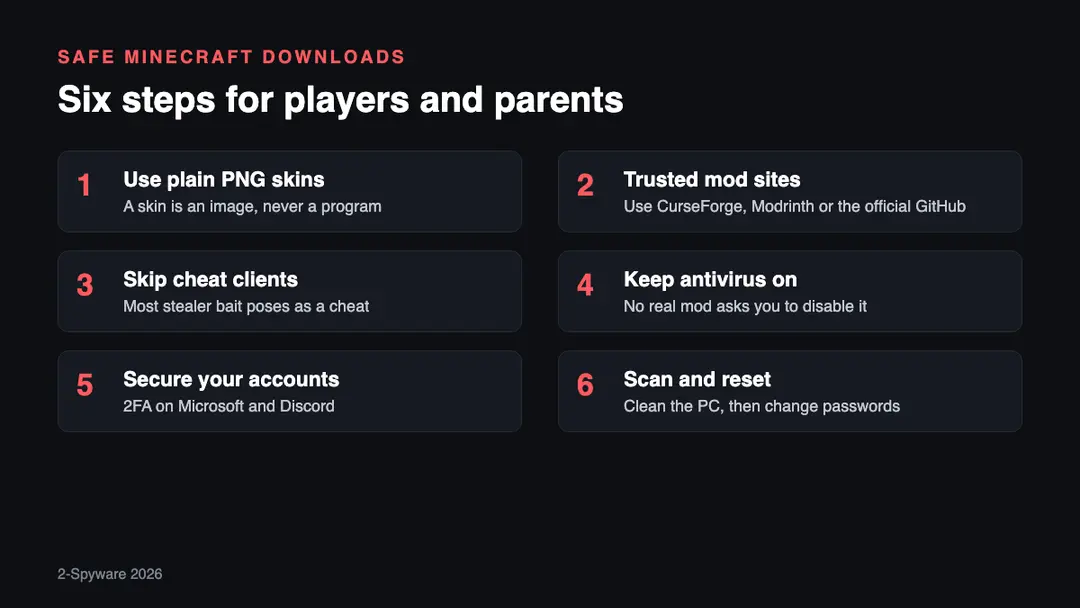
1. Use plain PNG skins. Upload skins through the official launcher or website. A skin file should be a small image. If a download is an EXE, a JAR or a password-protected ZIP, it is not just a skin.
2. Get mods from trusted sites. McAfee recommends CurseForge, Modrinth or the mod's verified GitHub page.[8] Even trusted hosts were abused in 2023, so watch for news about a mod before you update it.[7]
3. Skip cheat and hacked clients. Fake cheat clients are the most common bait in recent campaigns.[6] They also break server rules, so the risk is double.
4. Keep your antivirus on. If a guide tells you to disable protection to run a mod, stop there.[8] A security warning on a game file deserves a closer look, not an exception.
5. Secure your accounts. Turn on two-step sign-in for your Microsoft account and Discord. A stolen token can still work without your password, so the next step matters too.
6. Scan and reset if you ran a suspicious file. Scan the computer with up-to-date security software. Then change your Microsoft, Discord and email passwords from a clean device, and sign out of all sessions. Check whether your email appeared in a leak with our leak check.
What is still unknown
- How many of the 116,464 WeedHack victims are children or teenagers. McAfee does not give an age split.[8]
- Whether any 2026 campaign has used real skin files again. We found no report of that as of 2026.
- How many accounts the 2025 GitHub campaign actually took over. Check Point gives only a rough upper range of more than 1,500 hits.[6]
Our original 2018 report
The text below is our report as first published in 2018. We keep it unchanged for the record; the sections above bring it up to date.
Around 50k Minecraft players were exposed to malware after it was uploaded onto the official game's website. The virus is capable of destroying backup data and system programs, and wiping out the hard drives. The malicious code was added to downloadable Minecraft skins that are typically used to change the appearance of the in-game character.
The main symptom caused by this malware is a clear system slowdown. In this case, you should check your Task Manager for the process called tourstart.exe. Additionally, victims can get error messages regarding formatting of their hard drive and insulting messages, such as:
You Are Nailed, Buy A New Computer This Is A Piece Of Sh*t
You have maxed your internet usage for a lifetime
Your a** got glued
According to Avast malware researchers, virus relies on the PowerShell[1] script, showing that it is not designed by a professional hacker. Most likely, it was a work of an amateur IT enthusiast seeking to annoy Minecraft players and disrupt their gaming. Nevertheless, the malware could be stopped and deleted by the up-to-date security software.
Even though the virus is amateur, it does not change the fact that it someone managed to upload malware onto the official Minecraft server, which is very concerning. Minecraft has a player base of 74 million[2] people, and 43% of those players are between 15 to 21 years old – this group is the most susceptible to the attack.
Security concerns
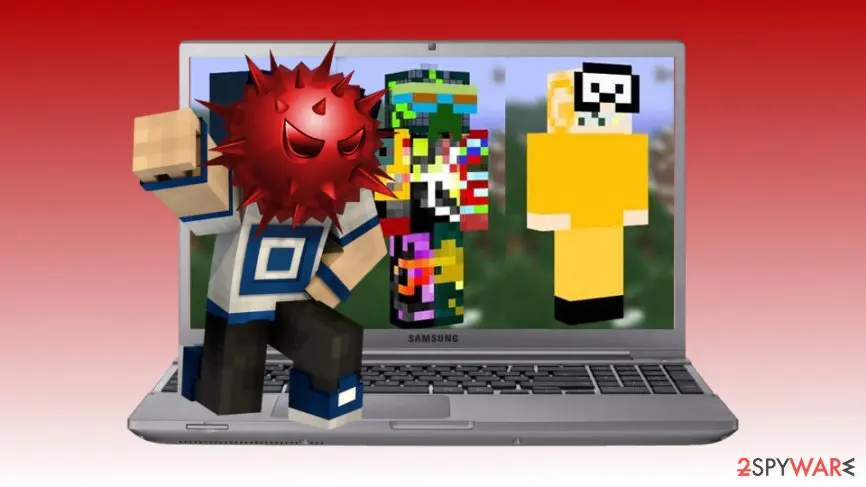
The skins that were infected with malware look quite unusual: a yellow full-body suit, colorful disco wear and something that reminds a deep-sea diver outfit. Maybe because of that, as many as 50,000 people decided to download them. Nevertheless, Avast security experts reported[3] about blocking 14,500 infection attempts in past ten days.
Even if security software can recognize malware, the fact that skins were downloaded from the official website might stop users from deleting the malicious file. Thus, it makes the infection even more dangerous.
Mojang came up with the solution
Mojang has already issued the official report[4] regarding this issue involving Minecrraft players. The company apologizes that any player had been able to upload the skin in PNG format. Unfortunately, these files could contain things other than images, including the malicious code. However, Minecraft developers took a step further and updated their security procedures:
To further protect our players, however, we deployed an update that strips out all the information from uploaded skin files other than the actual image data itself.
Security experts advise players to stay at bay by not downloading any modified skins from the official website. Those who have already been affected by malware should scan their machines with reputable security software and eliminate the threat. If the virus damaged your PC already, it might be necessary to restore data from a backup,[5] as well as reinstall Minecraft game.
Related guides on 2-Spyware
Frequently asked questions
Can a Minecraft skin give you a virus?
A plain PNG skin is very unlikely to infect you today. After the 2018 incident Mojang changed skin uploads so that only the image data is kept.{4} The risk comes from files that only pretend to be skins, such as installers or archives with a program inside. Never run an EXE file to get a skin.
Is Minecraft skin malware still a problem in 2026?
Not in the 2018 form, but Minecraft malware is very active in 2026. The current threat is fake mods and clients. McAfee reported the WeedHack stealer, active since January 2026, with 116,464 logged victims.{8} It steals Discord tokens, crypto wallet data and Minecraft account credentials.
Is MinecraftSkins.com safe?
We found no security report naming MinecraftSkins.com as a malware source as of 2026. Treat any skin site the same way: download only a PNG image, never a program. If the site asks you to install an app or turn off antivirus to get a skin, leave it.
Is NovaSkin safe?
We found no security report naming NovaSkin as a malware source as of 2026. NovaSkin is an editor, and the result you need is a PNG image. As with any site, ignore pop-ups that offer downloads, and never run an executable file to apply a skin.
Does Minecraft have viruses?
The game from the official launcher is not a virus, but criminals use Minecraft as bait. Check Point found fake mods on GitHub in 2025, and Bitdefender tracked infected mods on CurseForge and Bukkit in 2023.{6}{7} Most infections start with a cheat, client or mod from an untrusted source.
What should I do if I downloaded an infected Minecraft mod?
Disconnect the file first: delete it and scan the computer with up-to-date security software. Then change your Microsoft, Discord and email passwords from a clean device and sign out of all sessions. Stealers take session tokens, so a password change alone may not be enough.{7}
Log in to comment
No comments yet. Be the first.