

Proteus malware mines virtual currencies, spies on victim, and transforms target computers into proxy servers
Proteus virus is a new menace to all computer users who use the Internet. Written in .NET language, this malicious software can be remotely controlled by hackers and dig information from compromised computers. This multi-faceted malware example has a rich set of features that can severely mess up victim’s computer and connect it to a botnet to perform malicious activities such as DDoS attacks. It also sets up a malignant SOCKS proxy server on infected machine to use it as a stopover for malicious traffic flow. Proteus virus utilizes SHA256 miner, CPUMiner, and ZCashMiner to use victim’s PC for crypto-currency mining, installs a malicious keylogger to track victim’s keystrokes (to find out private information such as login details and credit card codes). What is worse, it becomes capable of downloading and executing malicious executables on victim’s PC. It has also been noticed that malware uses compromised PCs to log into stolen eBay, NetFlix, Amazon or Spotify accounts, and scrap sensitive data from users’ profiles. In between operations, virus repeatedly examines if its Command&Control server is active, and if it is, it continues its malicious activities.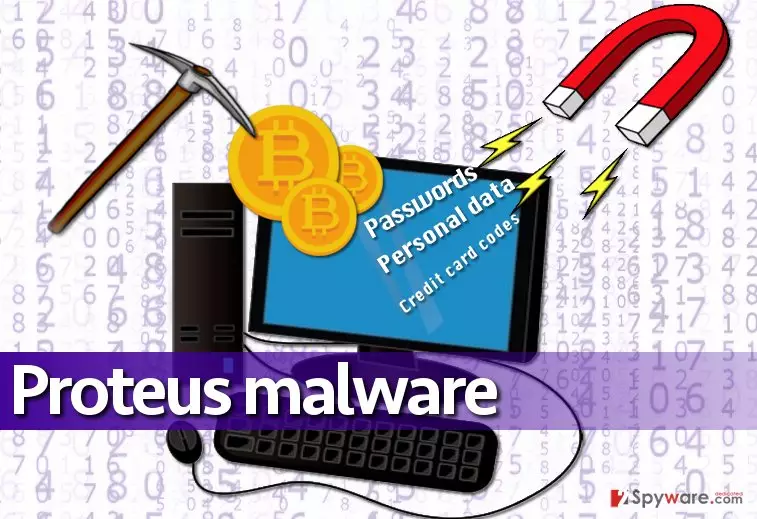
The worst thing about such malware is that it acts in silence. You will not see any pop-ups, error messages, or similar notifications that would inform you about its existence. You might notice that computer works slower than usual, but since computer slowdowns can be a consequence of numerous other processes, it is not going to draw your attention. That is why it is extremely important to update your security programs or install some if you do not have any yet. For Proteus removal, it is recommended to use experts tools such as SpyHunterCombo Cleaner or FortectIntego. This malicious software modifies Windows Registry, adds dozens of malicious files and roots into the computer system deeply, so you should not try to carry out Proteus removal on your own. The virus might attempt to infect your device with severe malware like ransomware if it notices that its components are getting deleted, so it is important to push all of them out at once, the sooner, the better.
Distribution channels
Malware is reportedly distributed via Andromeda botnet, which drops a fake chrome.exe file into %APPDATA% folder and executes it. Then this fake chrome.exe file sends a packet of information to the C&C server, including compromised computer’s name, operating system version, bot version, and the “fingerprint.” Fingerprint contains technical details about the infected machine, including processor’s type, BIOS, and baseboard information. Following a successful registration on C&C server, malware receives a message “Successful.”
Your PC can be recruited into a botnet after opening a malicious email attachment or link, installing a fraudulent program or software update (from untrustworthy source), or clicking on a malware-laden ad. If you do not become a victim of such vicious malware attacks, protect your PC in adware and avoid shady content that the world wide web presents.
Remove Proteus Trojan using time-tested malware removal tools
You should not try to remove Proteus virus without an automatic malware removal tool. If you do, you can do more harm than good. Proteus malware is extremely dangerous piece of software, and it is constantly monitored from Command&Control server, so unsuccessful attempts to remove it can provoke unexpected behavior. Please read what the Proteus removal guide says and get ready to delete this malicious software from your device:
Did this guide help?
3 comments
Kevi
Woah... this one seems dangerous...
deviantart
It is frightening information! So basically this malware compromises your PC and you know nothing about it? Its goddamn scary! How can I know whether my PC is a part of a botnet or not??
4nzella
I need antimalware. The sooner, the better...