
Your device was compromised e-mail scam: how to spot it and what to do
"Your device was compromised" email is sent out in tens of thousands. If you've received it, please don't believe a word in it.
Facts checked October 6, 2026. Removal steps tested on Windows 11 (26H2) and checked against Microsoft's and the browser makers' current documentation. Sections marked as our earlier report are the original text: they describe the threat as it was then and have not been reviewed since. The 2026 status, the removal steps and the questions are current.
Automatic
Get a free scan and check if your PC is infected.
Fortect finds malware, unwanted programs and the Windows damage they leave behind, and repairs it in one pass.
Do it yourself · free Remove Your device was compromised e-mail scam yourself 3 steps, about 9 minutes, no software needed.
Start the steps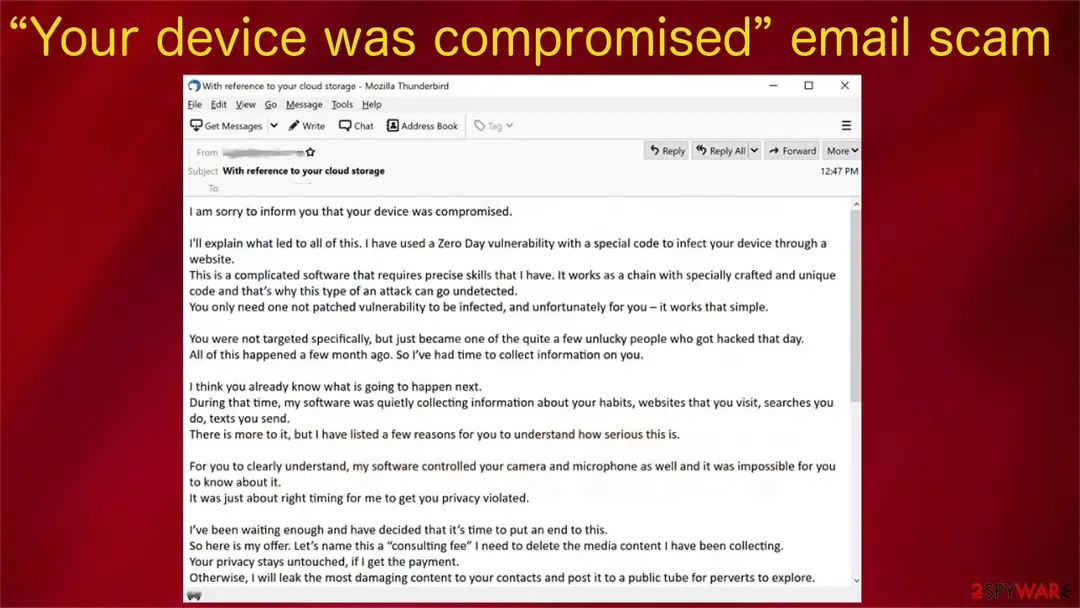
Your device was compromised e-mail scam: summary
| name | "Your device was compromised" |
|---|---|
| Type | Scam, sextortion, fake webcam blackmail[1] |
| Fake Claims | Videos, images, and audio recordings will be sent out to all contacts if the ransom isn't paid |
| Ransom amount | $1650 |
| Preferred payment method | Bitcoins |
| Precautionary measures | Change passwords on all accounts. Protect your devices from various malware by using a reliable anti-malware tool |
| Removal | Scan the PC with security software to find and remove the malware and anything installed with it. Fortect scans Windows for malware and repairs the system files and settings it damaged. Remove it nowTo use the full-featured product, you have to purchase a license for Fortect. The scan is free. |
Show 9 more facts
| Name | Your device was compromised |
|---|---|
| Symptoms | A sextortion e-mail demanding payment |
| Evidence | 4 write-ups by security sites; details still limited |
| Arrives as | |
| Pretends to be | A hacker who claims to have taken over your device |
| Claim | They recorded you through your camera and will send the video to your contacts |
| Asks for | A crypto payment |
| First seen | 16 July 2021 |
| Facts checked | 6 October 2026 |
What the Your device was compromised e-mail scam e-mail looks like
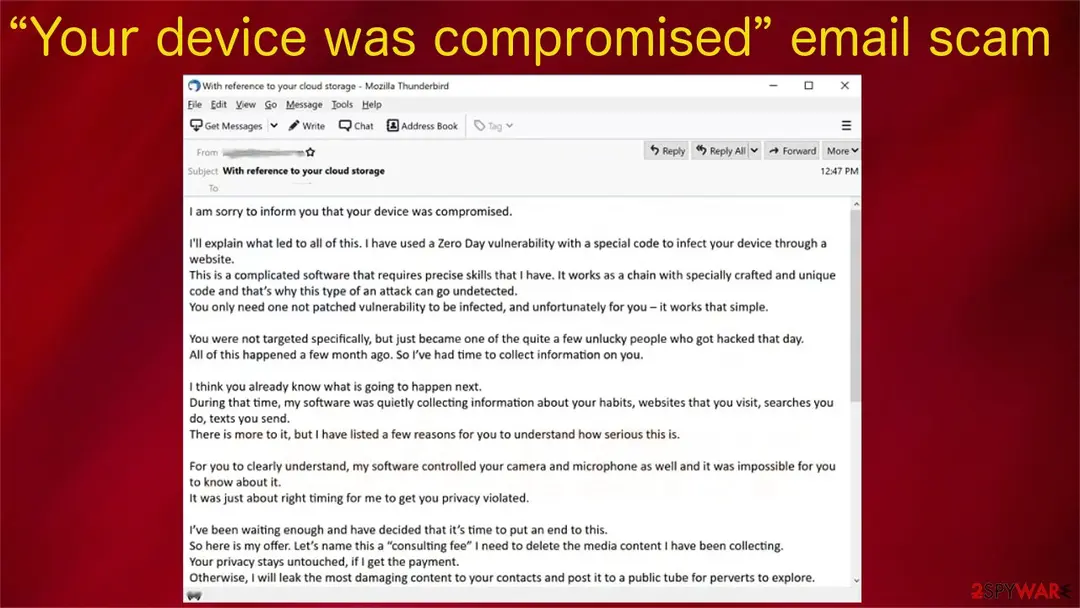
Subject: With reference to your cloud storage
I am sorry to inform you that your device was compromised.
I'll explain what led to all of this. I have used a Zero Day vulnerability with a special code to infect your device through a website.
This is a complicated software that requires precise skills that I have. It works as a chain with specially crafted and unique code and that's why this type of an attack can go undetected.
You only need one not patched vulnerability to be infected, and unfortunately for you – it works that simple.
You were not targeted specifically, but just became one of the quite a few unlucky people who got hacked that day.
All of this happened a few month ago. So I've had time to collect information on you.
I think you already know what is going to happen next.
During that time, my software was quietly collecting c
There is more to it, but I have listed a few reasons for you to understand how serious this is.
For you to clearly understand, my software controlled your camera and microphone as well and it was impossible for you to know about it.
It was just about right timing for me to get you privacy violated.
I've been waiting enough and have decided that it's time to put an end to this.
So here is my offer. Let's name this a "consulting fee" I need to delete the media content I have been collecting.
Your privacy stays untouched, if I get the payment.
Otherwise, I will leak the most damaging content to your contacts and post it to a public tube for perverts to explore.
I understand how damaging this will be for you, and amount is not that big for you to keep your privacy.
Please dont blame me – we all have different ways of making a living.
I have no intention of destroying your reputation or life, but only if I get paid.
I don't care about you personally, that's why you can be sure that all files I have and software on your device will be deleted immediately after I receive the transfer.
I only care about getting paid.
My modest consulting fee is 1650 US Dollars transferred in Bitcoin. Exchange rate at the time of the transfer.
You need to send that amount to this wallet:
The fee is non negotiable, to be transferred within 2 business days.
We use Bitcoin to protect my identity.
Obviously do not try to ask for any help from anybody unless you want your privacy to violated.
I will monitor your every move until I get paid. If you keep your end of the agreement, you wont hear from me ever again.
Take care.
How to tell the Your device was compromised e-mail scam e-mail is fake
From our report of Jul 2021 · not reviewed since
- Delete tracking cookies and repair system-related irregularities by performing system diagnostics with the time-proven software
Is Your device was compromised e-mail scam dangerous? What the senders want
From our report of Jul 2021 · not reviewed since
"Your device was compromised" email – a scam demanding $1650 to be sent in Bitcoins
"Your device was compromised" email is sent out in tens of thousands.
If you've received it, please don't believe a word in it. The scammers are trying to trick you into believing that your device has malware installed on it and that they've gathered various information about you. It is categorized as an extortion scam.
Within the email, they state that they've been watching you through your webcam and eavesdropping on your conversations via the microphone for months. That's not true. If you haven't downloaded any questionable email attachments, didn't click on suspicious links or deceptive ads, there's nothing wrong with your device. There's no malware on it.
The "Your device was compromised" scam is trying to scare gullible people into forwarding $1650 to the criminals for imaginary collected data and non-existent malware removal from their devices.
If the scam email contains any of the passwords that you use, the scammers might have gotten it from various hacked sites. In that case, all you need to do is change the passwords immediately for all your accounts, including the email clients to which you've received the scam.
There are tons of similar extortion scams roaming around the internet. Under no circumstances should you contact the cyber thieves or, even worse, send them the demanded amount. If you do, they would be encouraged to send out scam emails to more people.
Remove "Your device was compromised" scam email as its distributors don't have any information on you, no videos, audio recordings, or images. And they definitely didn't infect your device with any malware. The only thing that they might have manages to come up with is a password for an internet service that you might use.
Cybercriminals are constantly breaching various websites and stealing login credentials. They either use the information themselves for various scams/attacks or sell the stolen information to third parties. You can check if your email or phone ended up in the wrong hands on Haveibeenpwned.
If your device exhibits any strange behavior such as crashing, freezing, BSoDs, or other system failures, you have to check it for malware and PUP infections. If a reliable tool such as the doesn't find anything, keep it to protect your device from various cyber infections lurking on the internet for insufficiently protected devices.
Nowadays, threat actors are getting more and more elaborate on how they can spread their vile creations. They can hack popular websites and place malware directly in their scripts. When you open such a website, malware would be automatically installed through the drive-by downloading technique.
Also, please refrain from clicking any ads on high-risk websites and don't use file-sharing platforms as they're a hotbed for various cyber infections. For example, Djvu family ransomware, considered to be the most prevalent one globally, is spread specifically through torrent websites.
But refraining from visiting high-risk sites, not opening suspicious email attachments, and taking other precautionary measures while browsing the net might not be enough.
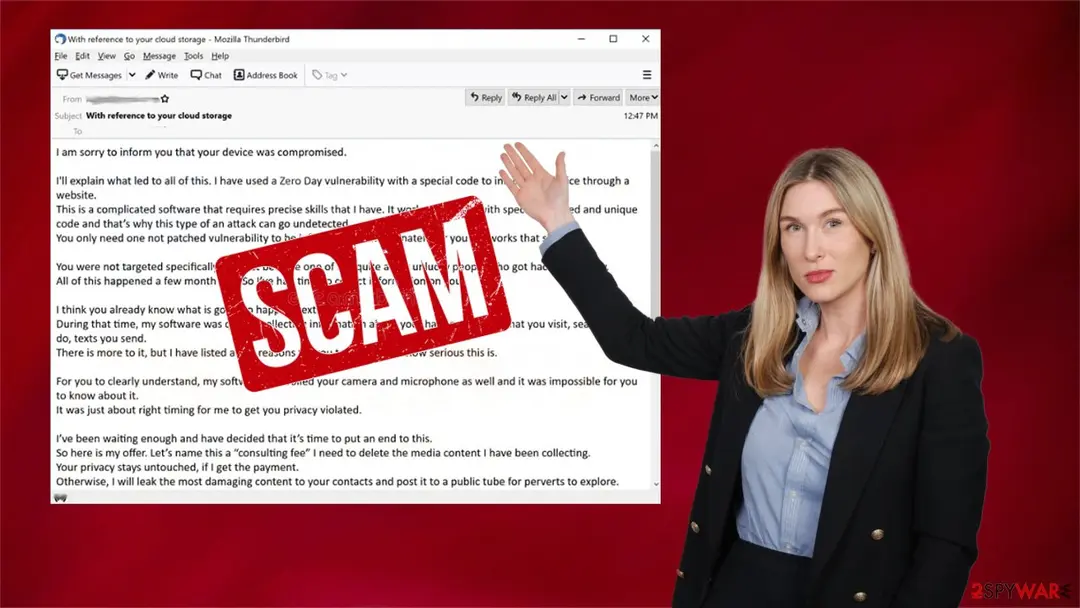
The message within "Your device was compromised" scam email states:
From our report of Jul 2021 · not reviewed since
Avoid data tracking and system issues by using proper repair tools
If you tend to visit high-risk portals, like porn, gambling, file-sharing platforms, and alike, they might be tracking and recording your browsing activities.
That's done by placing tracking cookies or beacons on your device in use. The gathered information is usually used to create irresistible ads specifically for you.
Sometimes, this information can be shared with third parties whose intentions might be different from just displaying ads. The collected details are considered non-identifiable as they don't contain names, emails, addresses, etc., only geolocations, visited sites, clicked links, search inquiries, etc.
Still, if these details fell into the wrong hands, you might get yourself in trouble. That's why it's important to clean up your device at least once a week, but cybersecurity experts recommend doing that on a daily basis. If you have numerous browsers, that can take a lot of time.
Moreover, it will automatically detect all system irregularities, whether altered registry values/keys, damaged DLLs, or corrupted system files, and suggest fixing them. It has a free trial, so you have nothing to lose:
Please remember that various scams are trying to blackmail you into forwarding money in Bitcoins and other cryptocurrencies. All of them create a sense of urgency and try to push you into making rash decisions. When you receive "Your device was compromised" email or similar scam letters, please check with us for solutions.
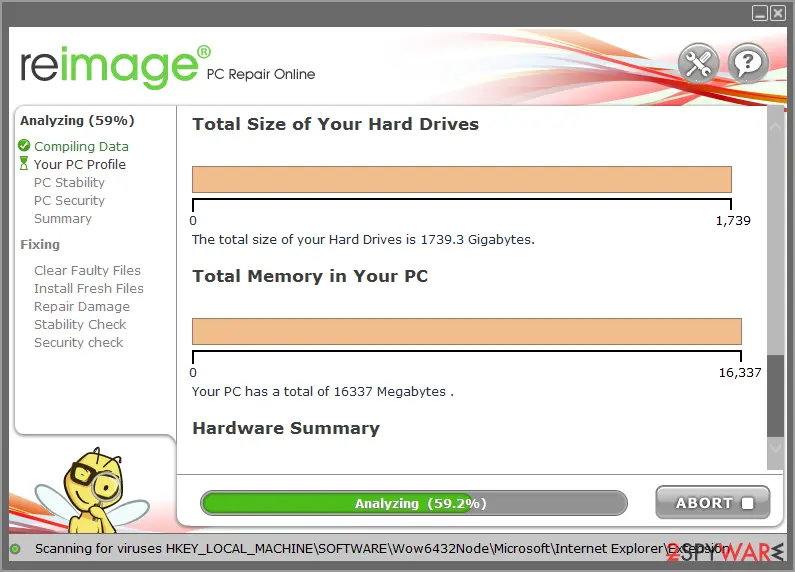
- Download the application by clicking on the link above
- Click on the ReimageRepair.exe
- If User Account Control (UAC) shows up, select Yes
- Press Install and wait till the program finishes the installation process
- The analysis of your machine will begin immediately
- Once complete, check the results - they will be listed in the Summary
- You can now click on each of the issues and fix them manually
What to do about the Your device was compromised e-mail
The message is a bluff sent to millions of addresses.
Nothing needs to be removed from your PC.
Step 1: Stop replying and keep the evidence
Do not reply, pay, or send documents, even to "cancel" or "verify" something: every answer marks you as a target worth more messages. Take screenshots of the messages, the sender address, the phone numbers and any payment details, then block the sender.
If you already sent money or an ID document, the next steps cover what to do. The screenshots work the same on a phone or on Windows 11 and Windows 10, where Windows + Shift + S captures part of the screen.
Full procedure with screenshots: What to do after paying a scammer
Step 2: Change the password the message quotes
Your device was compromised quotes a password to look convincing, but such passwords are taken from leaked databases of hacked websites. If it is still in use anywhere, change it there today and turn on two-step verification.
Do not pay: the sender has no video and no access to your device. No scan of the Windows 11 or Windows 10 PC is needed for this message alone.
Full procedure with screenshots: Turn on two-step verification / secure a hacked account
Step 3: Report it
A report takes ten minutes and helps take Your device was compromised down.
Send it to ReportFraud.ftc.gov in the US (and ic3.gov when money was lost), to Action Fraud in the UK, or to your national police in the EU, with screenshots, sender details and any payment references.
Report the message inside the mail or chat app too. Keep a copy of everything until the case is closed, whether you use a phone or a Windows 11 or Windows 10 PC.
Full procedure with screenshots: Report a cyber attack or scam to the authorities
Protect your privacy - employ a VPN
There are several ways how to make your online time more private - you can access an incognito tab.
However, there is no secret that even in this mode, you are tracked for advertising purposes. There is a way to add an extra layer of protection and create a completely anonymous web browsing practice with the help of VPN. This software reroutes traffic through different servers, thus leaving your IP address and geolocation in disguise.
Besides, it is based on a strict no-log policy, meaning that no data will be recorded, leaked, and available for both first and third parties. The combination of a secure web browser and VPN will let you browse the Internet without a feeling of being spied or targeted by criminals.
No backups? No problem. Use a data recovery tool
If you wonder how data loss can occur, you should not look any further for answers - human errors, malware attacks, hardware failures, power cuts, natural disasters, or even simple negligence.
In some cases, lost files are extremely important, and many straight out panic when such an unfortunate course of events happen. Due to this, you should always ensure that you prepare proper data backups on a regular basis.
If you were caught by surprise and did not have any backups to restore your files from, not everything is lost. is one of the leading file recovery solutions you can find on the market - it is likely to restore even lost emails or data located on an external device.
Questions about Your device was compromised e-mail scam
Do they really have a video, as "With reference to your cloud storage" says?
No. The e-mail "With reference to your cloud storage" is a template sent to a huge list of addresses, and the same claims are made to every recipient.
If the sender had a recording, they would attach a still or name something specific; they never do. The claim about malware on a website you visited is invented, and so is the countdown.
Some versions include an old password to seem credible, but that comes from a leaked database. Delete the message, change any password it quotes and do not reply. Replying only confirms that your address is read by a person.
Is my webcam hacked after "With reference to your cloud storage"?
There is no sign of that in the e-mail itself. Real webcam spying needs a remote-access program on the PC, and that would show up as an unknown program in Installed apps, an unexpected camera light or a security alert. The message "With reference to your cloud storage" offers no such evidence.
If you want to check, open Windows Settings, go to Privacy and security, then Camera, and look at which apps used the camera recently. Run a Windows Security scan. If both look normal, the threat is just words.
Is Your device was compromised really from a hacker who claims to have taken over your device?
No. It is sent by scammers who copy the name and look of a hacker who claims to have taken over your device. The sender address and the links do not belong to it, and the message asks for a crypto payment, which a real company does not request through an unexpected message.
If you want to be sure about your account, open the website or app of a hacker who claims to have taken over your device the way you normally do, not through the message, and look for notices there.
Then delete the message and report it as phishing. If you already followed its instructions, use the steps in this guide for your case.
Is it true that they recorded you through your camera and will send the video to your contacts?
No. The claim that they recorded you through your camera and will send the video to your contacts is the hook of Your device was compromised, invented to give you a reason to act quickly.
Scammers pick a story that could plausibly apply to many people, so it may feel relevant to you, but nothing in the message is based on your real accounts or devices.
If the claim concerns a service you use, check it there directly, by opening the website or app yourself. You will find no such problem. Then delete the message and report it as phishing.
What happens if I do what Your device was compromised asks?
The scammers get a crypto payment, and they use it quickly. Passwords are tried on the real service within minutes, cards are charged or added to phone wallets, remote access is used to open your bank, and crypto is moved on at once.
Documents surface later as accounts in your name. If you already did what the message asked, do not wait to see what happens; follow the steps in this guide for your case today. Speed matters more than anything else here.
Can just reading Your device was compromised harm my PC?
No. Reading the e-mail does nothing to the PC. The risk lies in what the message wants you to do: a crypto payment. Every one of those needs an action from you, such as a click, a typed password, a payment or a call.
If you stopped at reading, you are fine. Delete it and report it. If you are unsure whether you clicked something, check your browser history for the time you read the message, and act on what you find there.
Does receiving Your device was compromised mean I was hacked?
No. A e-mail like this is sent to huge lists at once, and your address or number is on one of them, most likely because it appeared in a data breach or on a public page. Nothing on your PC caused it.
What would matter is whether anyone signed in to your accounts; check recent sign-in activity in your e-mail and bank accounts if you are worried. Turn on two-step verification for the important ones, then delete the message and report it as phishing.
How can I spot messages like Your device was compromised in future?
Check the sender's actual address, not only the name. Hover over links before clicking and compare the domain with the real one. Be suspicious of urgency, threats, prizes, unexpected invoices and requests for passwords, codes, card data or crypto.
Do not call phone numbers from unexpected messages; use the number on the official site or your card. When in doubt, go to the service directly through its app or a bookmark. Phishing protection and two-step verification limit the damage when a scam gets through.
Could malware on my computer cause Your device was compromised?
It can, but it is not the most common cause. Information stealers copy saved passwords and session cookies from browsers, which can lead to an e-mail that begins "With reference to your cloud storage". More often, the password came from a breach or a phishing page.
To be sure, run a full scan in Windows Security and check Installed apps and browser extensions. If anything is found, clean the PC first and change passwords afterwards from a clean device, because changing them on an infected PC lets the malware take the new ones too.
Will Fortect remove Your device was compromised?
Fortect scans Windows for malware and unwanted programs and repairs the system files and settings they change, and its free scan shows what it finds on your PC before you decide anything.
For Your device was compromised, follow the plan above as well: the browser steps take back permissions and settings that no scanner treats as a threat, and uninstalling the program that brought it removes the source.
Run Microsoft Defender's full scan and, if anything was found, its offline scan as a second opinion. If the symptoms are gone after the plan and both scans are clean, there is nothing more to do.
Sources
- Wikipedia: Webcam blackmail (read October 6, 2026)
- Emsisoft: Drive-by downloads: Can you get malware just from visiting a website? (read October 6, 2026)
- FTC: How to recognize and avoid phishing scams (read October 6, 2026)
- CISA: Recognize and report phishing (read October 6, 2026)
- Microsoft Support: Protect yourself from phishing (read October 6, 2026)